News from Evolo, February 2026
New in Evolo: Dashboard by Building
Written By Evolo Support
Last updated About 2 months ago
Dashboard by Building
We are launching new dashboards by building. At the same time, we have upgraded the view builder with a new view type (Fixed Position), a quick trend view of values, and several other improvements to the view builder.
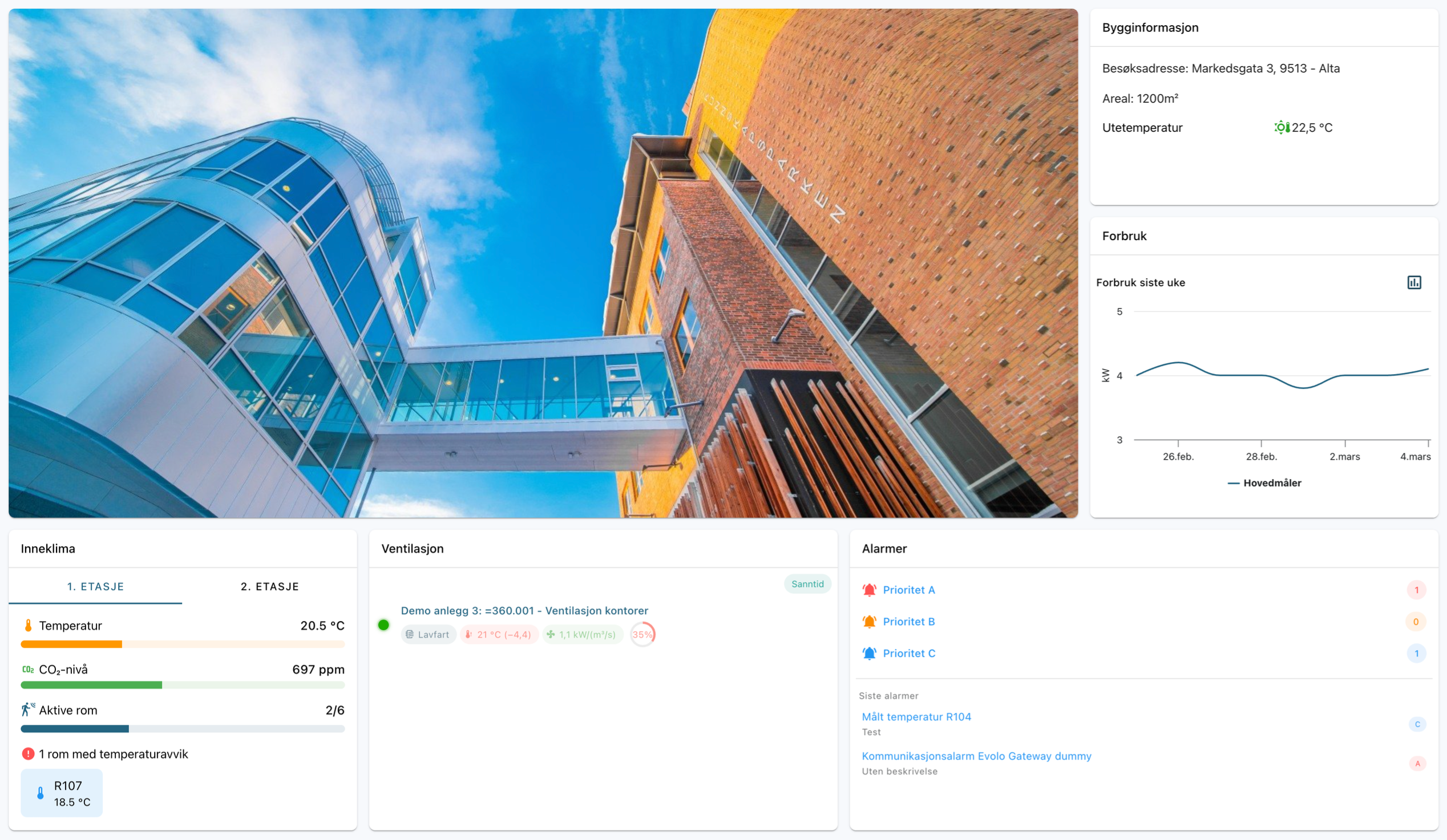
Create a Dashboard for Each Building →
New View Type: Fixed Layout
Create views with a fixed layout using:
Custom cards (with components)
Widgets: Alarms, Indoor Climate, and Ventilation
New widgets
We’ve launched several new widgets:
Indoor Climate: Statistics by Floor
Alarms: Summary of active alarms
Ventilation: System Status
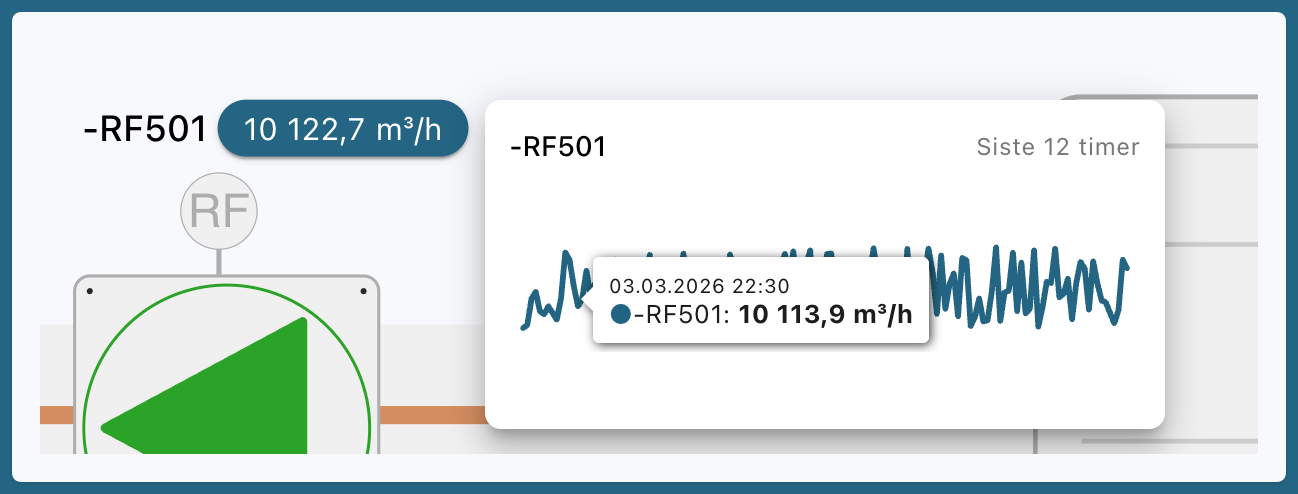
Trend display by value
Hover your mouse over a value to see a small trend window with a graph for the last 12 hours.
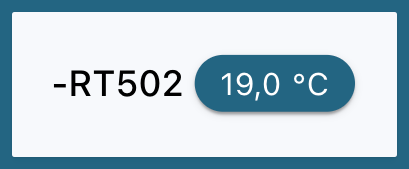
New display type in the Value component
New “Tile” view type (background for value and label)
Setup and editing in the view builder
We’ve released many improvements to the view builder for installers:
Guides on all components and containers
Change the width and height of all elements
Context menu upon selection for:
text alignment (left/center/right)
position
text size
Rotate all elements directly in the view
Import preview: view components and containers before confirming the import
Still need help? Ask the team