News from Evolo, January 2025
New in Evolo: Compare energy consumption between buildings and degree-day adjustment ⚡
Written By Evolo Support
Last updated 17 days ago
Energy Monitoring
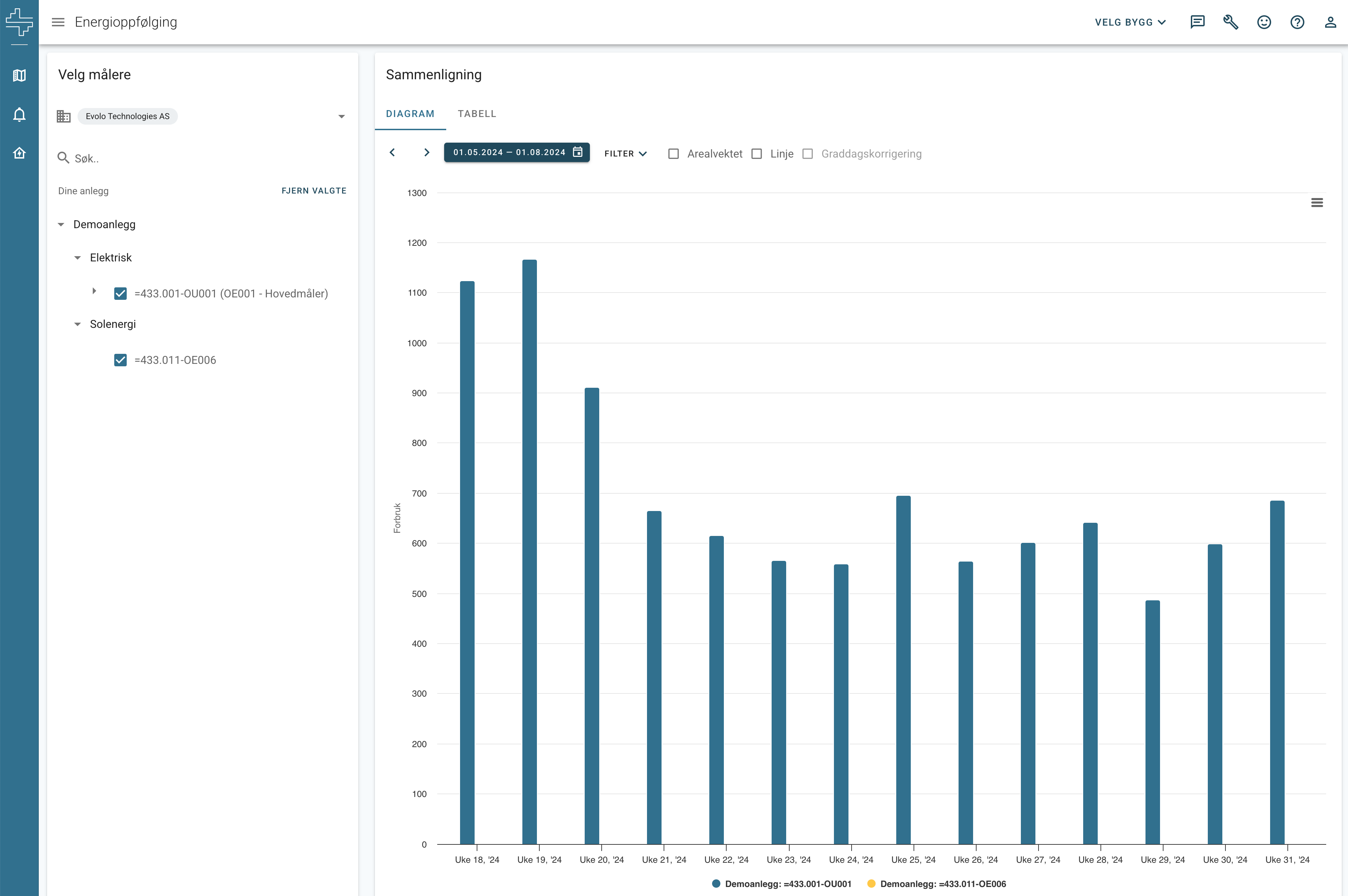
With the new overview of total energy consumption, you can compare energy consumption across different buildings:
Select meters: An overview of all meters in your energy groups
Comparison: Graphical display of consumption for the selected period
Degree-day adjustment: Take outdoor temperature into account for more precise analyses. Base values can be set per energy meter for customized correction.
Degree-Day Adjustment
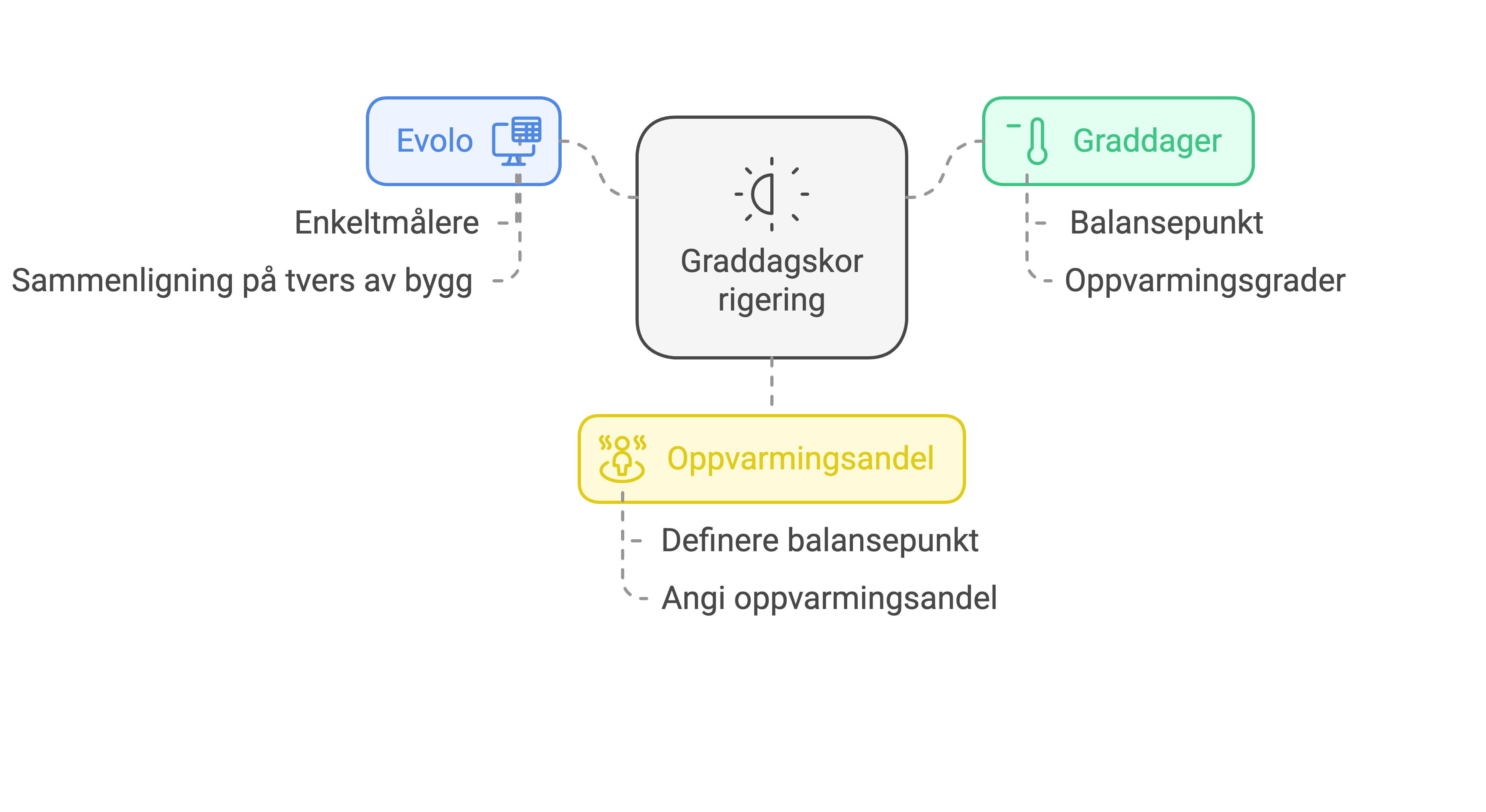
We’ve launched a degree-day correction feature that gives you a better overview of energy usage regardless of weather conditions.
What is a degree day?
A measure of how much and for how long the temperature deviates from the balance point (which is typically 17 °C in Norway).How does it work?
Energy consumption is adjusted based on degree days, which provides comparable data over time and across buildings.Enable degree-day correction:
In the overall energy monitoring for all buildings, or in the “Comparison by Building” tab.
For Installers
We’ve improved the view builder for installers:
Copying with CTRL+C and CTRL+V: Easily move components between views and buildings.
Lock elements: Prevent accidental movement by locking elements.
New color feature in text lists: Change names and colors based on values.
Delete with the DEL key: Remove unwanted elements faster.