How to Share a View
Written By Evolo Support
Last updated 2 months ago
You can share a view without creating a new user. This is useful if the view is to be displayed on a shared screen or shared with people who don't need their own login.
To share a view
Open the view you want to share.
Click the share icon in the top-right corner.

Check the box next to “Share View.”
Copy the link and send it to the people you want to share the view with.
To share views, you must have the Super User role or higher.
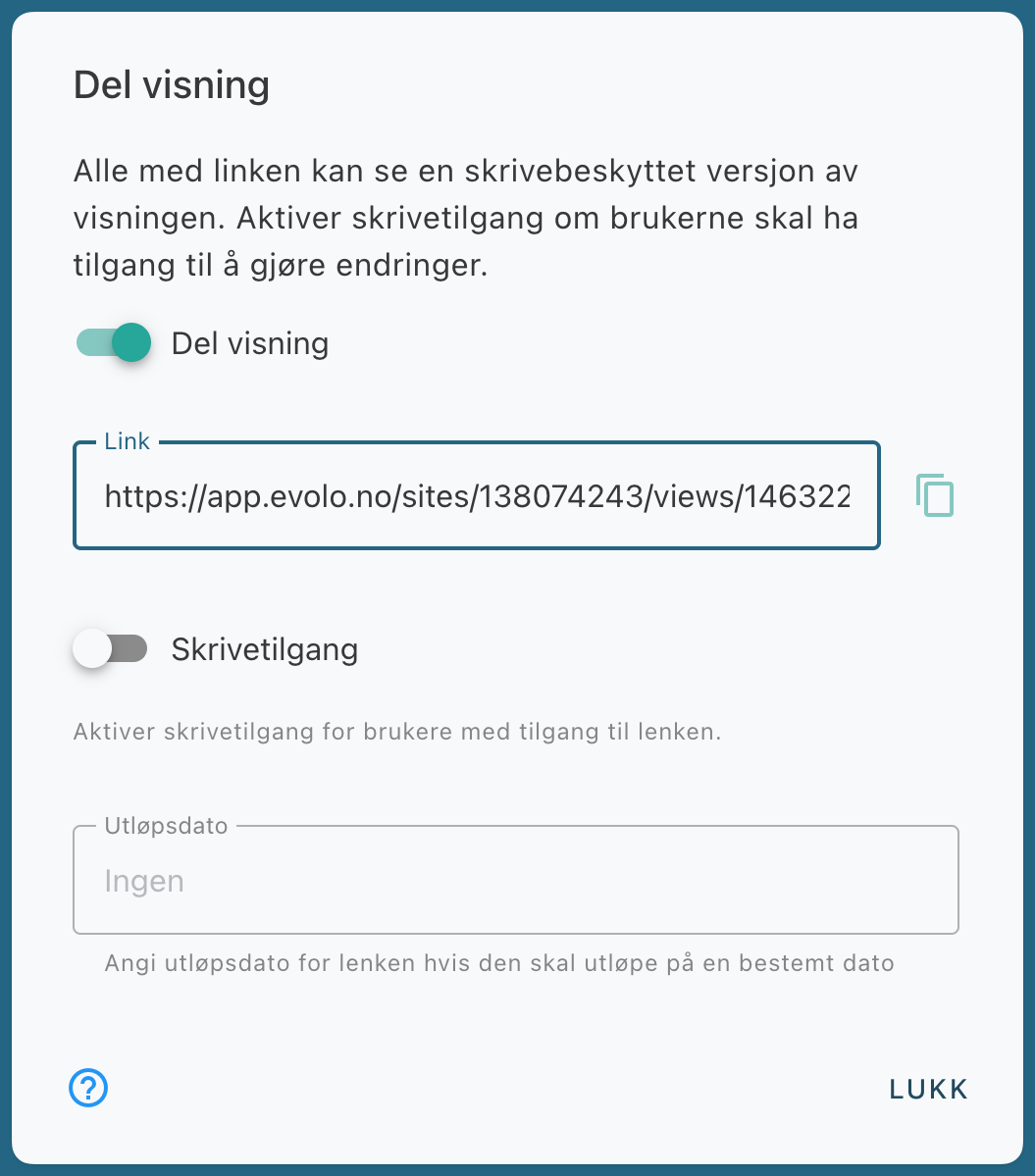
Grant Write Access
Enable Write Access if you want people with the link to be able to change values in the view.
Need more control?
If you want to manage access in more detail, you can instead Invite new users to Evolo.
Was this helpful?
Still need help? Ask the team