Alarm Report
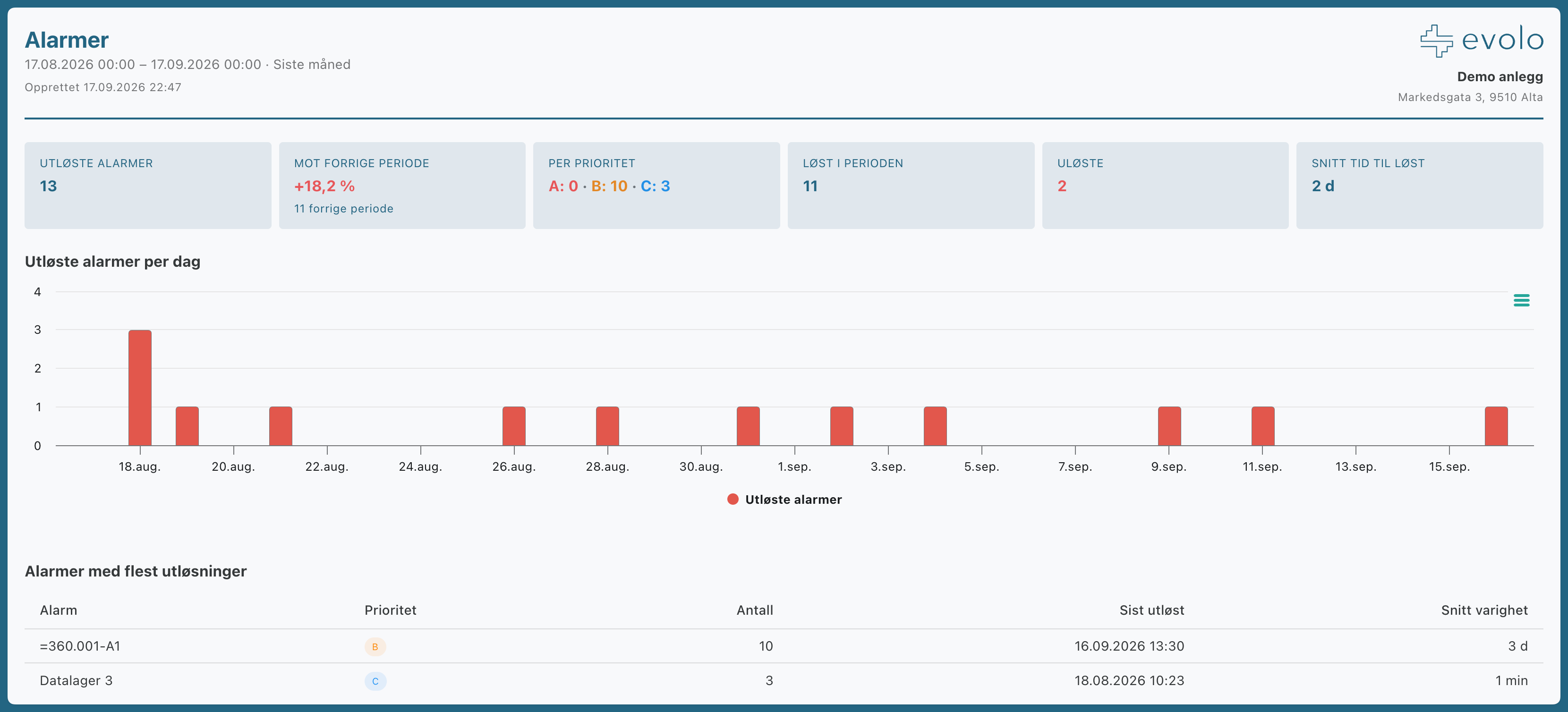
The alarm report summarizes the alarm activity during the period: triggered alarms by priority, which alarms occur most frequently, time to acknowledgment and resolution, and trends compared to the previous period.
Written By Evolo Support
Last updated 15 days ago
Settings
You can change these settings:
Priorities: Select which priorities (A, B, C) to include.
Normalized: Number of alarms that were normalized.
Acknowledged: The number of alarms that were acknowledged.
Notifications: The number of notifications sent via text message, email, or push notification.
Open Alarms: The number of unresolved alarms at the end of each period; shows long-running alarms.
Graph and table: Display a graph, a detailed table below, or both.
Alarm data is automatically retrieved for the building. You do not need to select meters or points.
How to open, download, and You can find the planning report here.
Still need help? Ask the team