Block an alarm
Block an alarm permanently or for a specific period of time
Written By Evolo Support
Last updated 2 months ago
Here's how to disable an alarm. This can be useful during service or maintenance, when you don't want new events to be logged.
Here's how to do it
Open the alarm history.
Click Block Alarm.
Select the date when the alarm should become active again, if the block is only temporary.
Leave the date blank if you want to block the alarm permanently.
Confirm by clicking "Block Alarm."
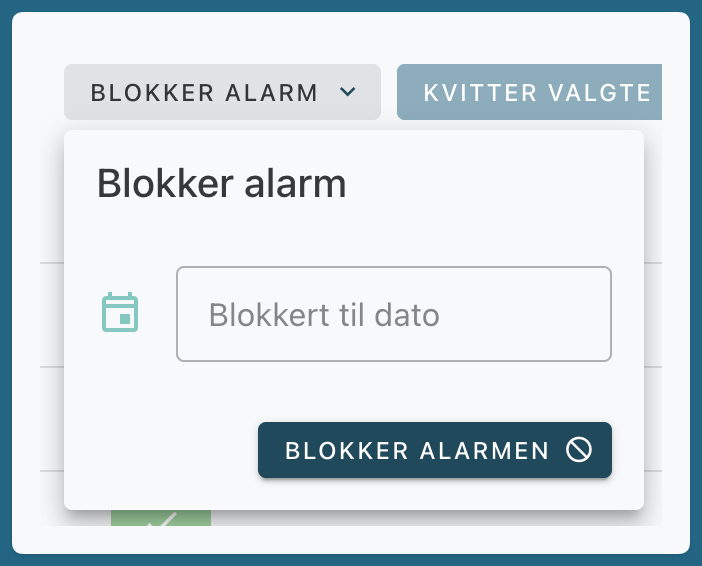
Block Alarm
When an alarm is blocked, no events are recorded during the period it is blocked.
Was this helpful?
Still need help? Ask the team