Why am I getting the error message "interface must be filled in"?
Importing data points fails with the error message "interface must be filled out"
Written By Evolo Support
Last updated 2 months ago
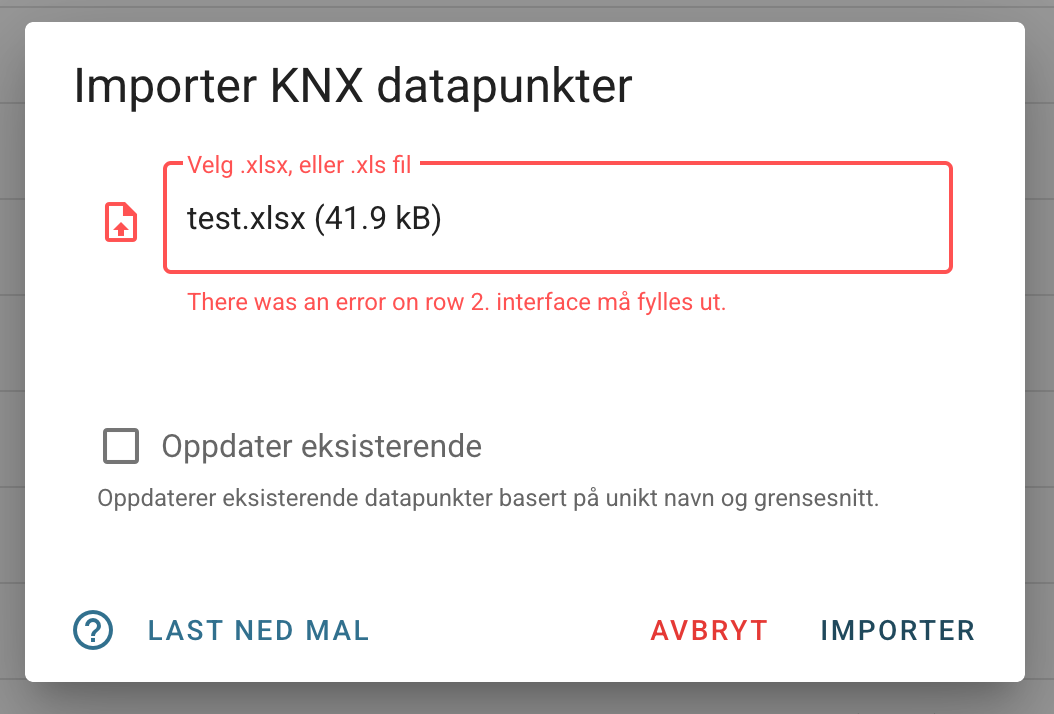
The error message "interface must be filled in" means that there is a missing link between the data points in the Excel sheet and the desired interface to which they should be linked.
To fix this, you need to identify the correct interface:
Navigate to Configuration -> Interfaces in Evolo.
Find the "Identifier" column, which lists the various interfaces.
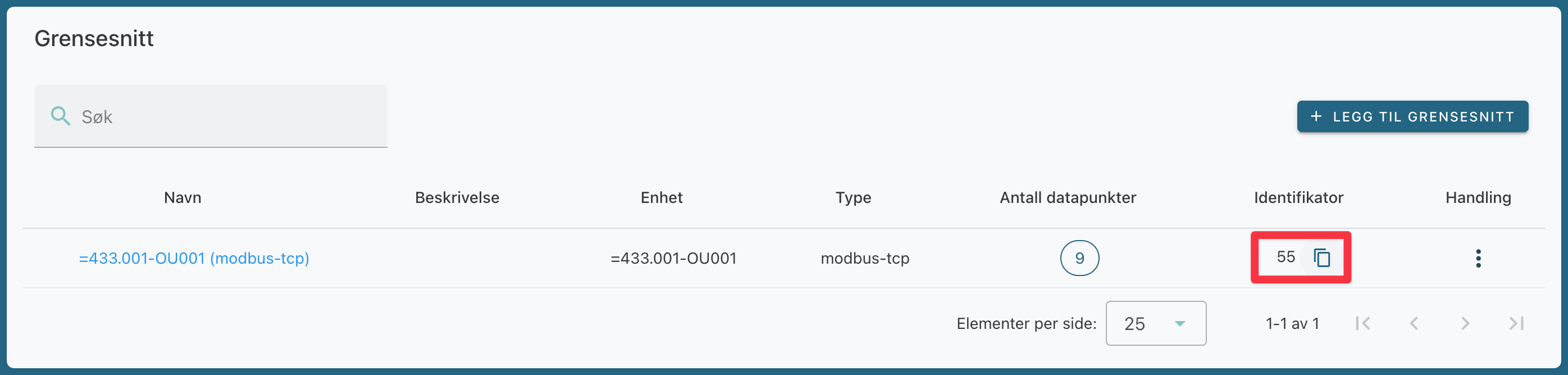
Update the Excel spreadsheet by adding the identifier for the relevant interface to the “Interface” column for all applicable rows.
Was this helpful?
Still need help? Ask the team