Water Report
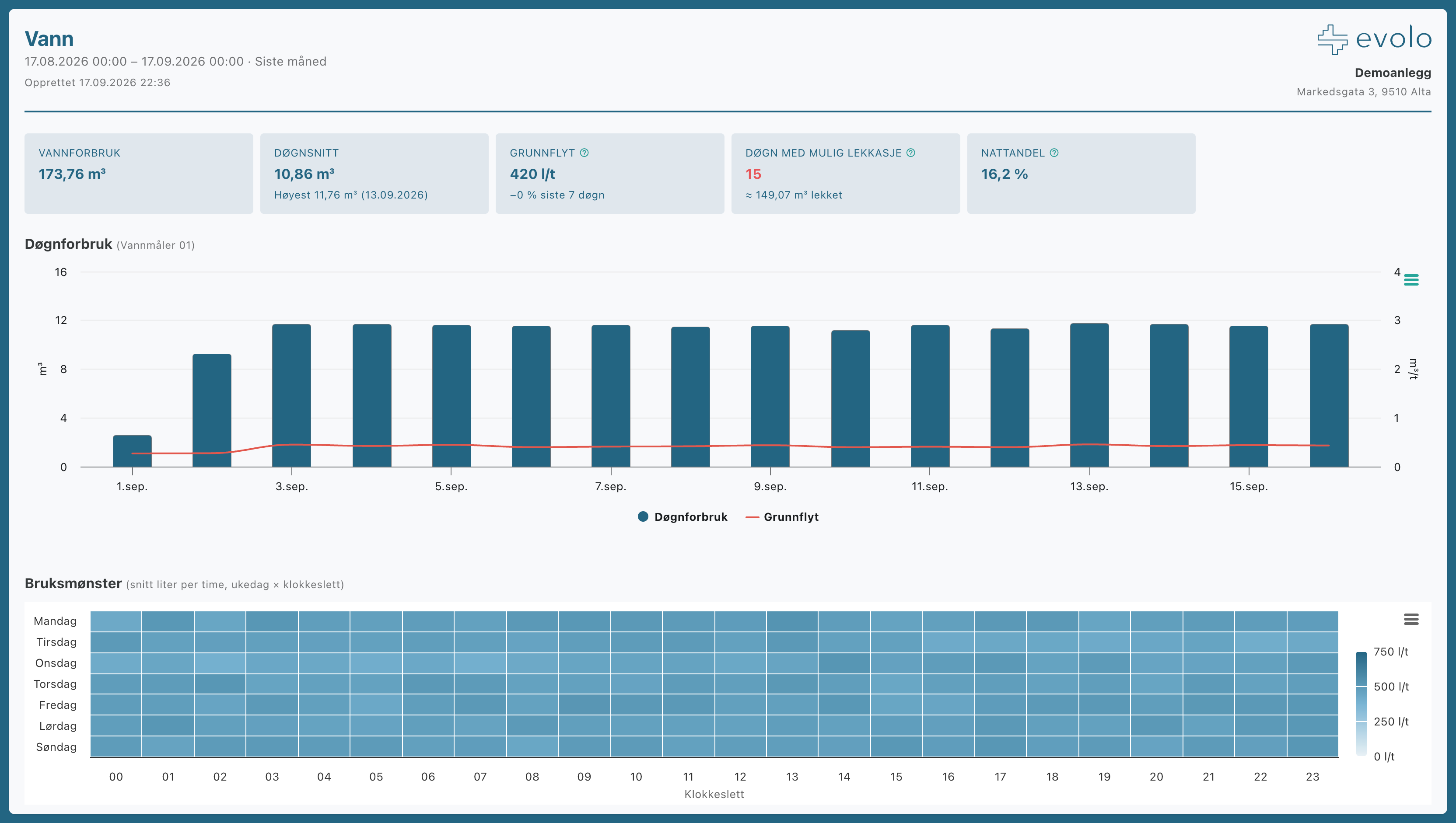
The water report shows water consumption, usage patterns, and submeters, along with a leak analysis based on baseline flow: days when the water never stops flowing reveal leaks before the bill does.
Written By Evolo Support
Last updated 15 days ago
Settings
You can change these settings:
Custom time period (night) or business hours: the time used for the quiet period. If no business hours are specified, the night period is from 1:00 AM to 5:00 AM.
Water meters: Select which water meters to include.
Water price and leak threshold: for cost and threshold in the leak analysis.
Graph and table: display a graph, a detailed table below, or both.
Prerequisite: Water meters are automatically retrieved from energy meters with the “Tap Water” medium (only those that measure volume, in m³ or liters, are included). Set the correct medium for the meter in EOS so that it is included in the report.
How to open, download, and You can find the planning report here.
Still need help? Ask the team