Sign in with Microsoft
Use your Microsoft account to sign in to Evolo. You'll be redirected to Microsoft to sign in and back to Evolo when you're done.
Written By Evolo Support
Last updated 2 months ago
Here's how to do it
Go to the sign-in page at Evolo.
Click "Sign in with Microsoft."
Enter the email address associated with your Microsoft account, and click Next.
Enter your password and click "Sign in."
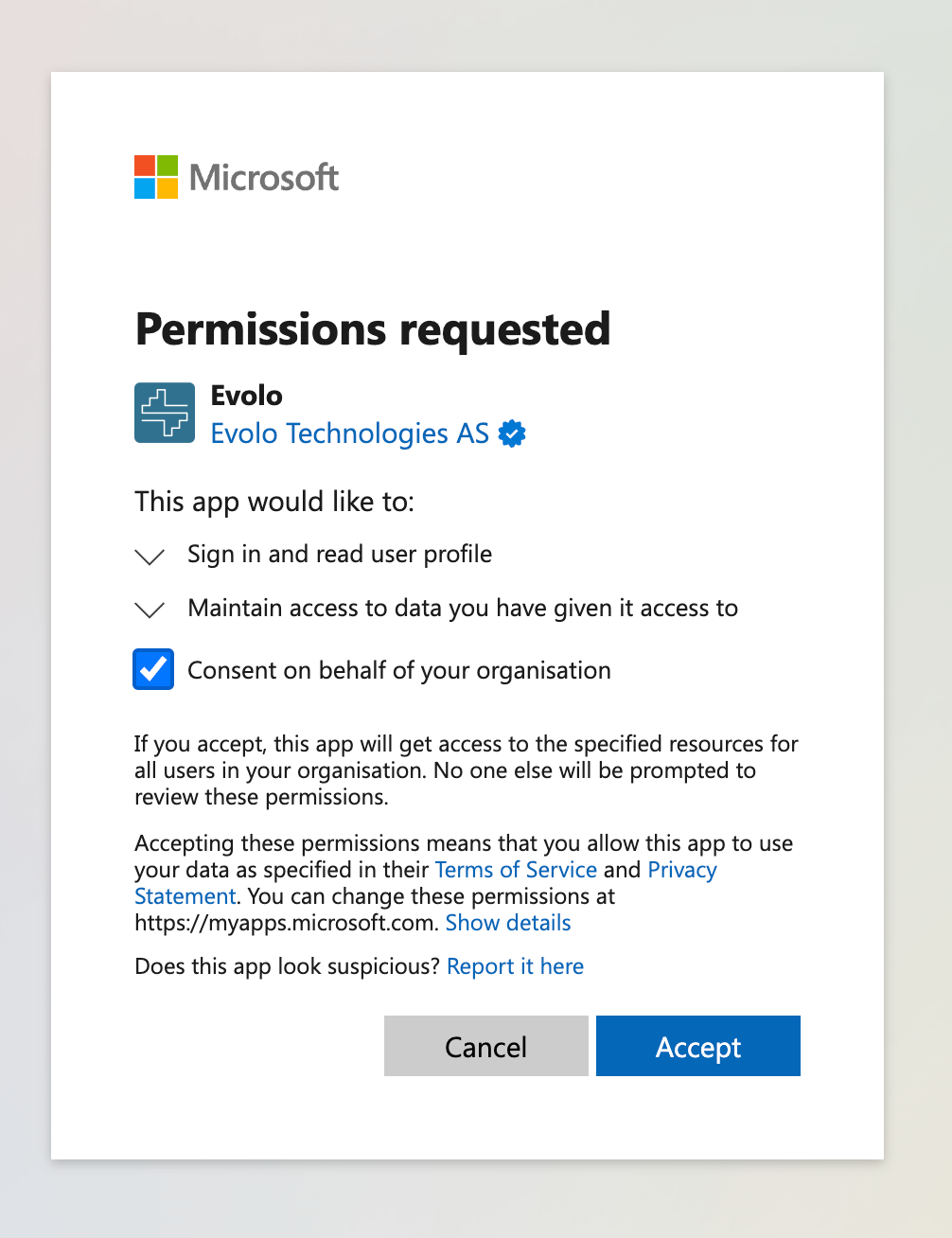
Review the information Evolo is requesting access to, and click "Yes" or "Accept" to continue.
You’ll be redirected back to Evolo and logged in.
Important to know
Make sure you sign in with the correct Microsoft account.
Review the information you’re granting access to before you approve the sign-in.
Sign out after use if you’re on a shared device.
Enable two-factor authentication on your Microsoft account for an extra layer of security.
Add colleagues to your space
To simplify the registration process for colleagues, you can add your organization’s Microsoft Tenant ID to a user group.
Colleagues who register and sign in will then be automatically added to their site and user group in Evolo.
Important: If you do this, all users in the Microsoft tenant will have access to the buildings selected for the group.
Was this helpful?
Still need help? Ask the team