Add Evolo Gateway
The gateway connects the building and the upper-level system
Written By Evolo Support
Last updated About 2 months ago
A gateway is installed on a device (such as a Raspberry Pi or a PC) and facilitates communication between the building and the Evolo toppsystem.
1. Set up the Gateway
Select the desired operating system:
2. Connect the Gateway
Connect the device to the Internet.
Open a web browser and go to:
http://localhost:8080 (if the gateway is running locally on your PC)
http://evolo-gateway.local:8080 (Balena OS)
http://enhetens-ip:8080 (if .local doesn't work)
Copy the key displayed on the screen.
3. Add the Gateway in Evolo
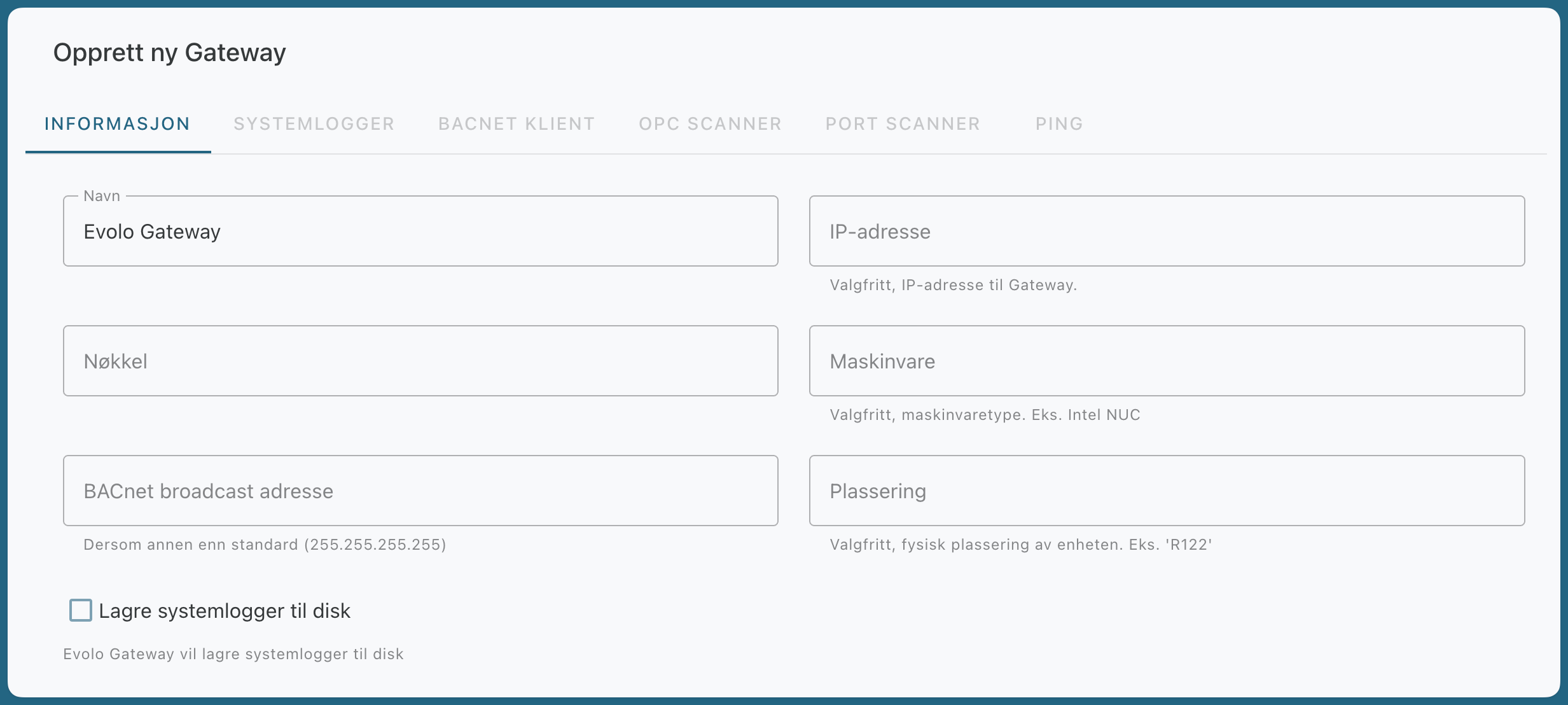
In Evolo, select the relevant build and go to Configuration → Gateway
Click Add Gateway and paste the key
(Optional) Enter the IP address, hardware, and location.
4. Confirm the connection
Wait a few seconds to see the connection status in the “Status” column.
If “Connected” is displayed, you can proceed to Add a device
Still need help? Ask the team