Organization Settings
Logo, contact information, and KI for your organization.
Written By Evolo Support
Last updated 6 days ago
Organization Page
You can find the settings for your organization under “Organization” in the menu. Here, you can upload a logo, enter contact information, and decide whether the buildings should be able to use KI.
To make changes, you must have the “Manage Organization” permission.
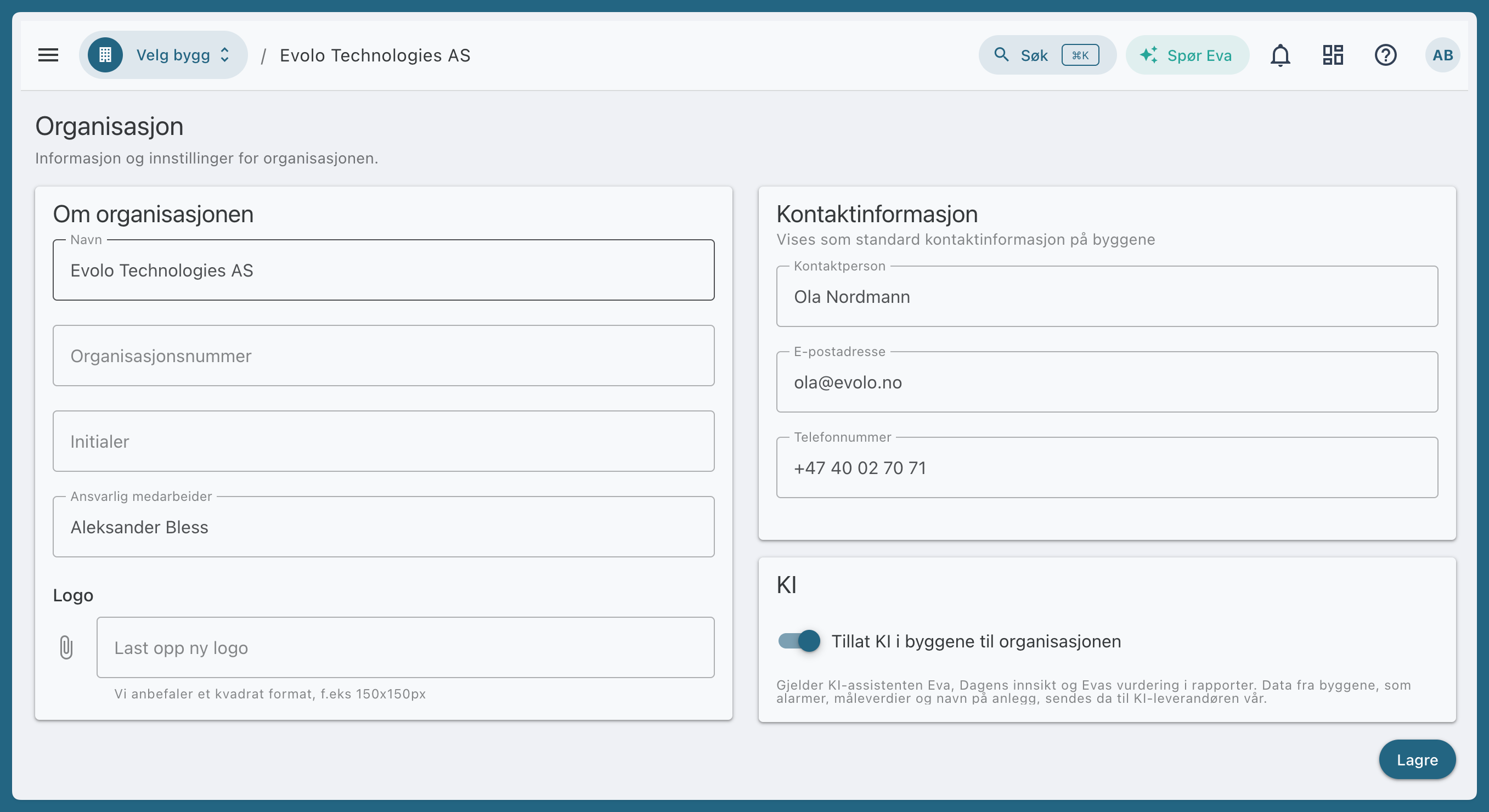
Logo
The logo appears at the bottom of the navigation menu for your facilities.
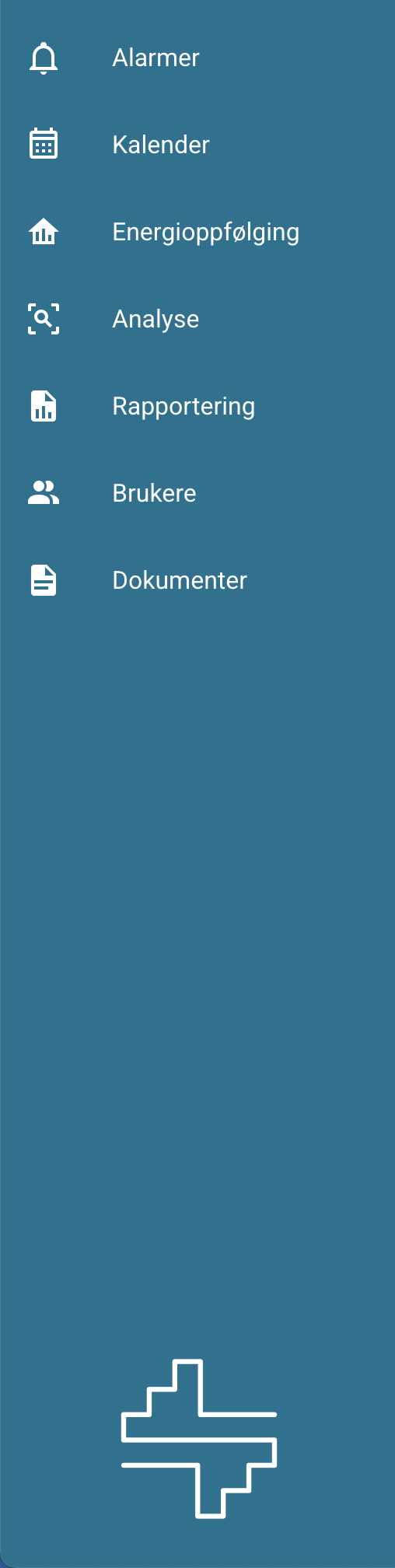
We recommend using a square format, e.g., 150x150 pixels, and a white logo. We can also help you with the correct format.
Contact Information
Displays your organization’s contact information in a small bubble to the right of each building.
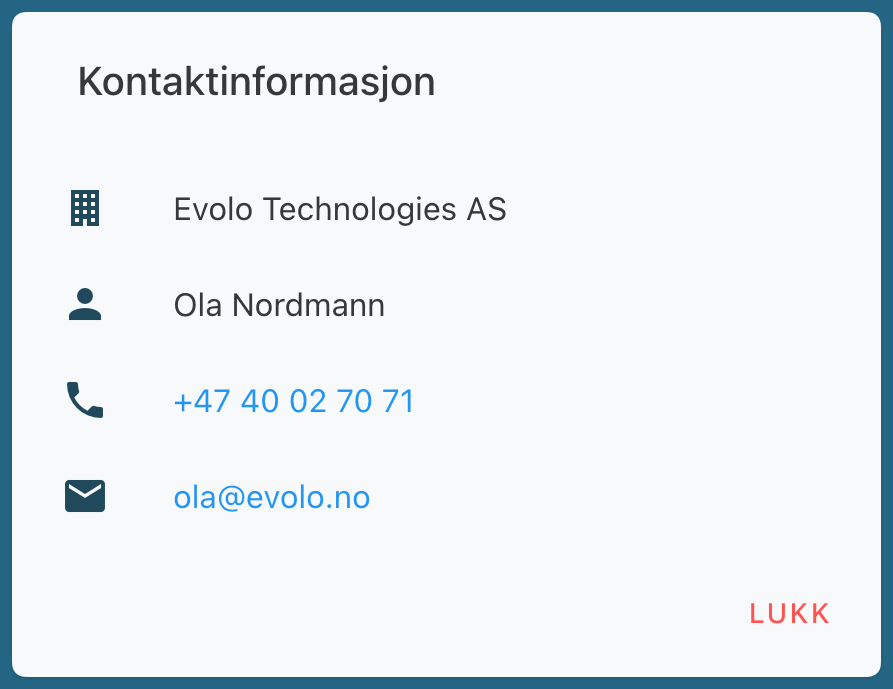
Different contact information per building
The help icon on the building displays the primary contact from FDV. If the building has no primary contact, the contact information from the organization page is displayed.
If someone else is responsible for a building, add them under FDV → Buildings → Contacts and check the box for “Primary Contact.”
KI
The “Allow KI in the organization’s buildings” toggle determines whether the buildings owned by the organization can use the KI assistant Eva, “Today’s Insights,” and Eva’s assessment in reports. It is off until you turn it on.
Was this helpful?
Still need help? Ask the team