Evolo Gateway System Log
To troubleshoot communication issues with the building or services, check the Evolo Gateway system log
Written By Evolo Support
Last updated 3 months ago
Enable logging to disk
1. On the system configuration page, click Gateway and select the desired gateway in the Action column.
2. Check the box next to "Save system logs to disk" and confirm by clicking Save.

3. Click the name of the gateway to open the information dialog.

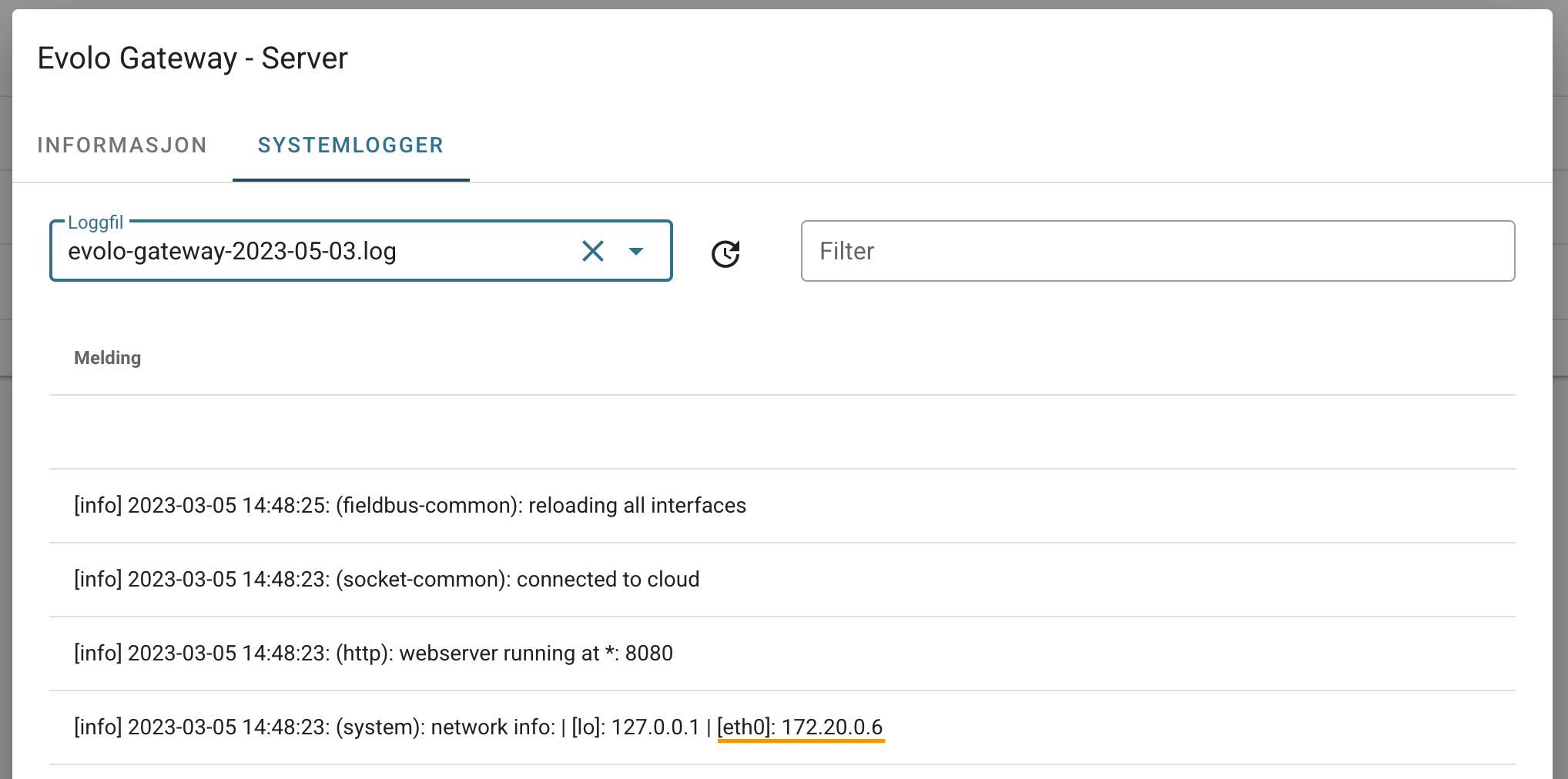
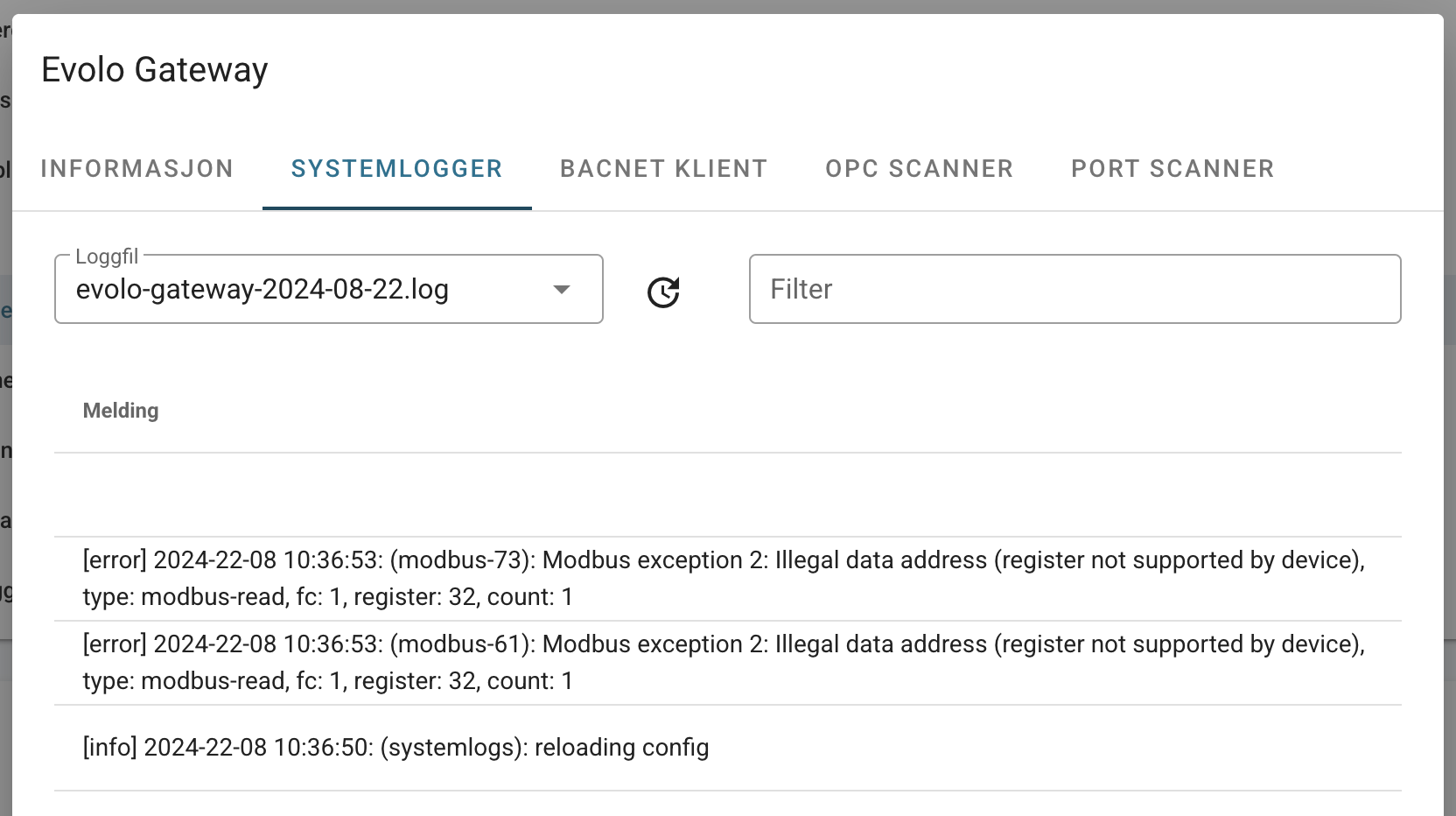
4. Under the System Logs tab, you can view all operations performed by the Evolo Gateway.
Examples
NOTE! It is not recommended to keep the system log enabled at all times, unless you have a Gateway with a robust storage device. For Gateways with memory cards, enabling the system log only when troubleshooting will extend the device’s lifespan.
Was this helpful?
Still need help? Ask the team