Add participants to an event
Here's how to add participants to an event in the calendar.
Written By Evolo Support
Last updated 2 months ago
Here's how to do it
Open the event and go to the Participants tab.
Select which objects should be included in the event.
Set the start value and/or end value for each object.
Click Save.
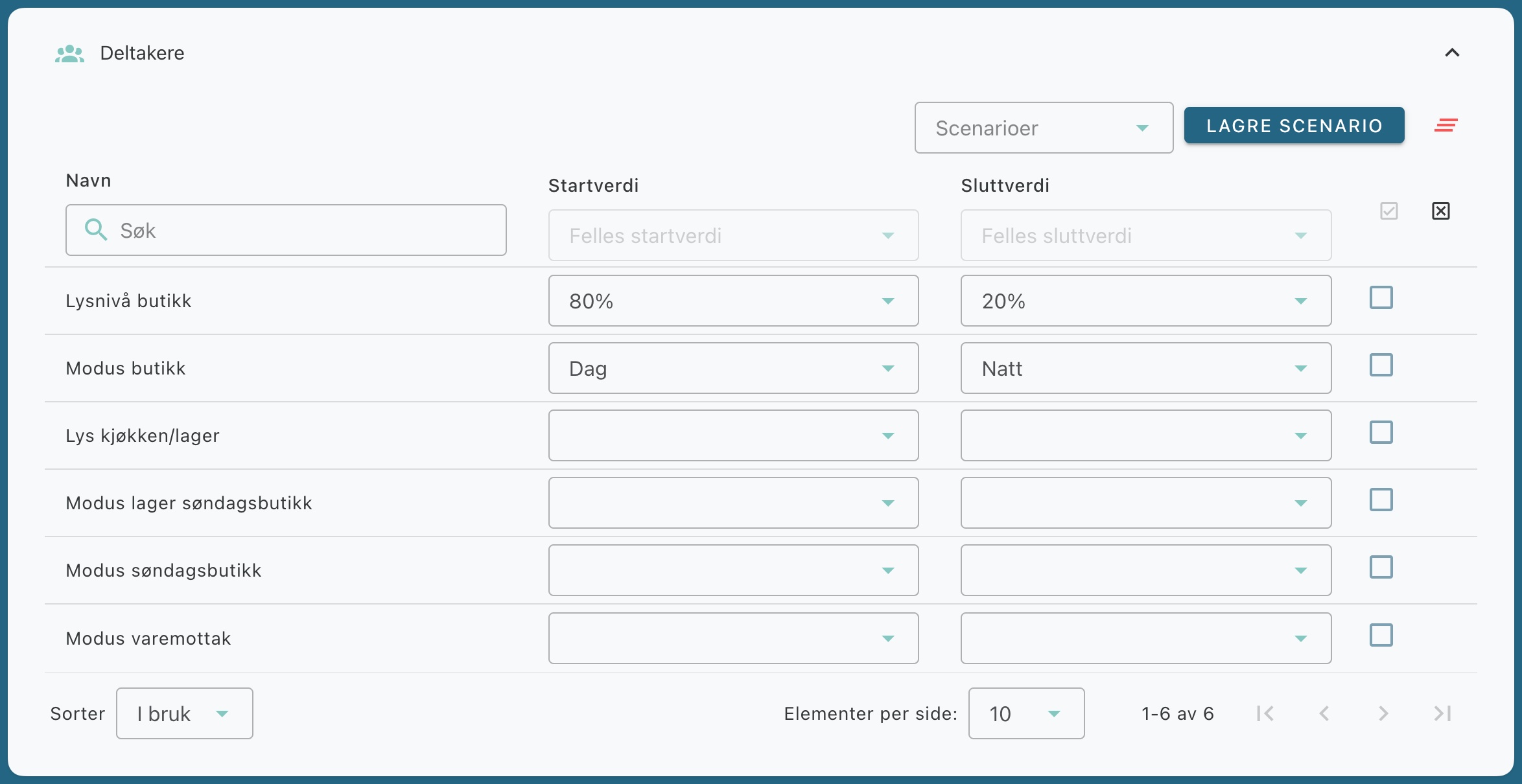
The participants determine which objects the event will affect at the start and end.
Add multiple items at once
If you want to add multiple objects at once, you can:
Check the boxes next to the objects in the table.
Set a common start value in the corresponding column.
Use scenarios for faster setup
If you frequently use the same combination of objects and start and end values, you can save this as a scenario.
Select an existing scenario from the Scenarios drop-down menu.
Save a new scenario by clicking Save Scenario, entering a name, and saving.
Was this helpful?
Still need help? Ask the team