Create a BACnet schedule object
A BACnet schedule object is used when you want to manage a BACnet-based weekly schedule from the calendar in Evolo, such as for ventilation or other systems.
Written By Evolo Support
Last updated 26 days ago
Here's how to do it
Go to Configuration and select Calendar Items.
Click Add New Calendar Object and select BACnet Schedule.
Enter a name for the calendar object.
Select the data point for “
Schedule Weekly.”Select the data point for “
Exception Schedule.”Select the data point for "
Effective Period."Select the data type the calendar should write when the configuration changes.
Save the calendar object.
The data points must be added for the BACnet device for which you want to change the calendar setup.
Use the weekly schedule
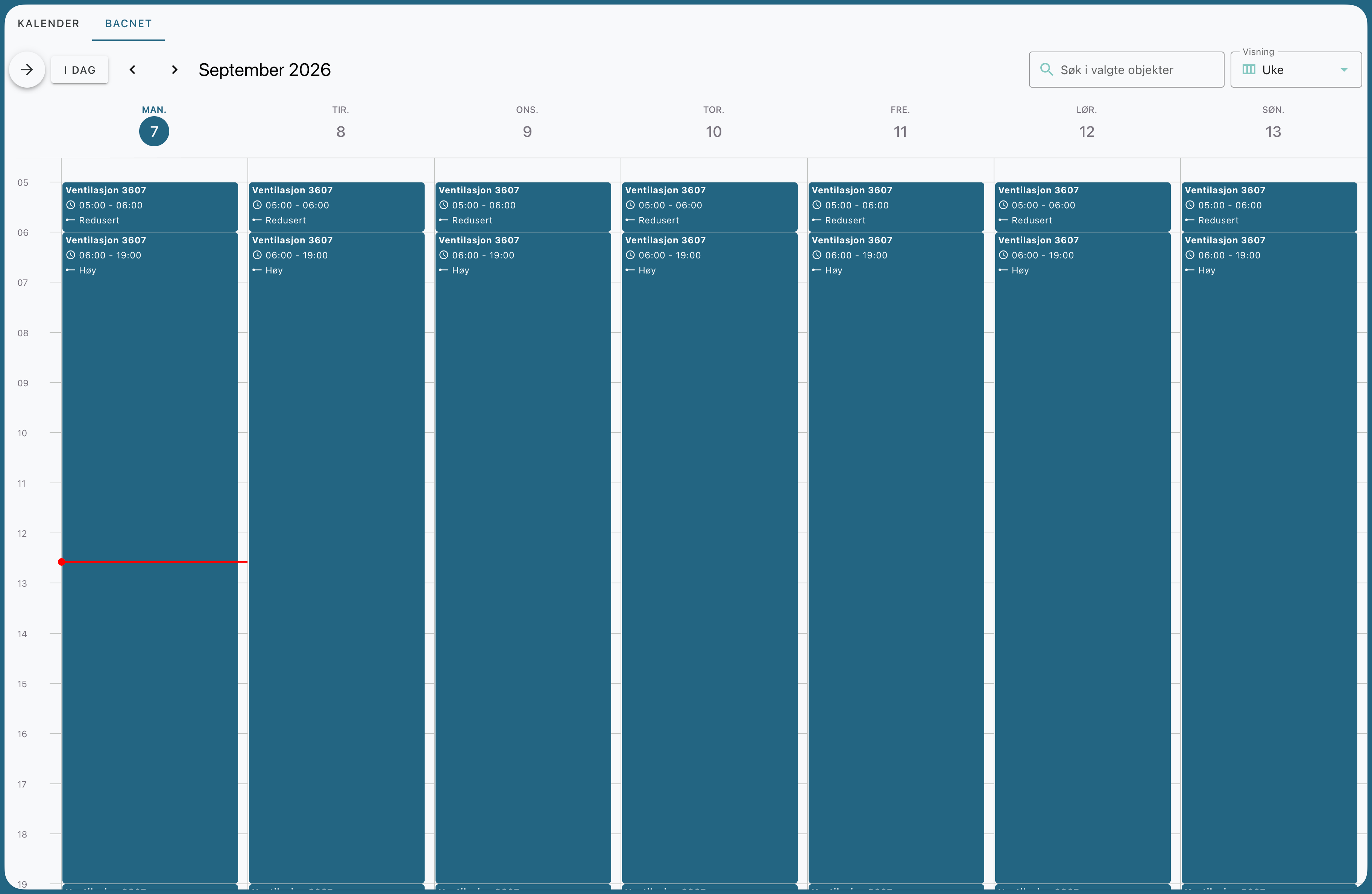
Once the calendar object has been created, a separate tab will appear in the calendar module. There, you can manage the weekly schedule for the facility.
Click on the days in the weekly schedule.
Enter the desired events and time intervals for each day.
Related articles
Still need help? Ask the team