Create an Energy Group
Here's how to create an energy group in Energy Monitoring. Energy meters are grouped together, for example, by water-based heating or electricity consumption.
Written By Evolo Support
Last updated About 2 months ago
Here's how to do it
Go to Configuration and select Energy Monitoring.
Click the plus icon to create a new group.
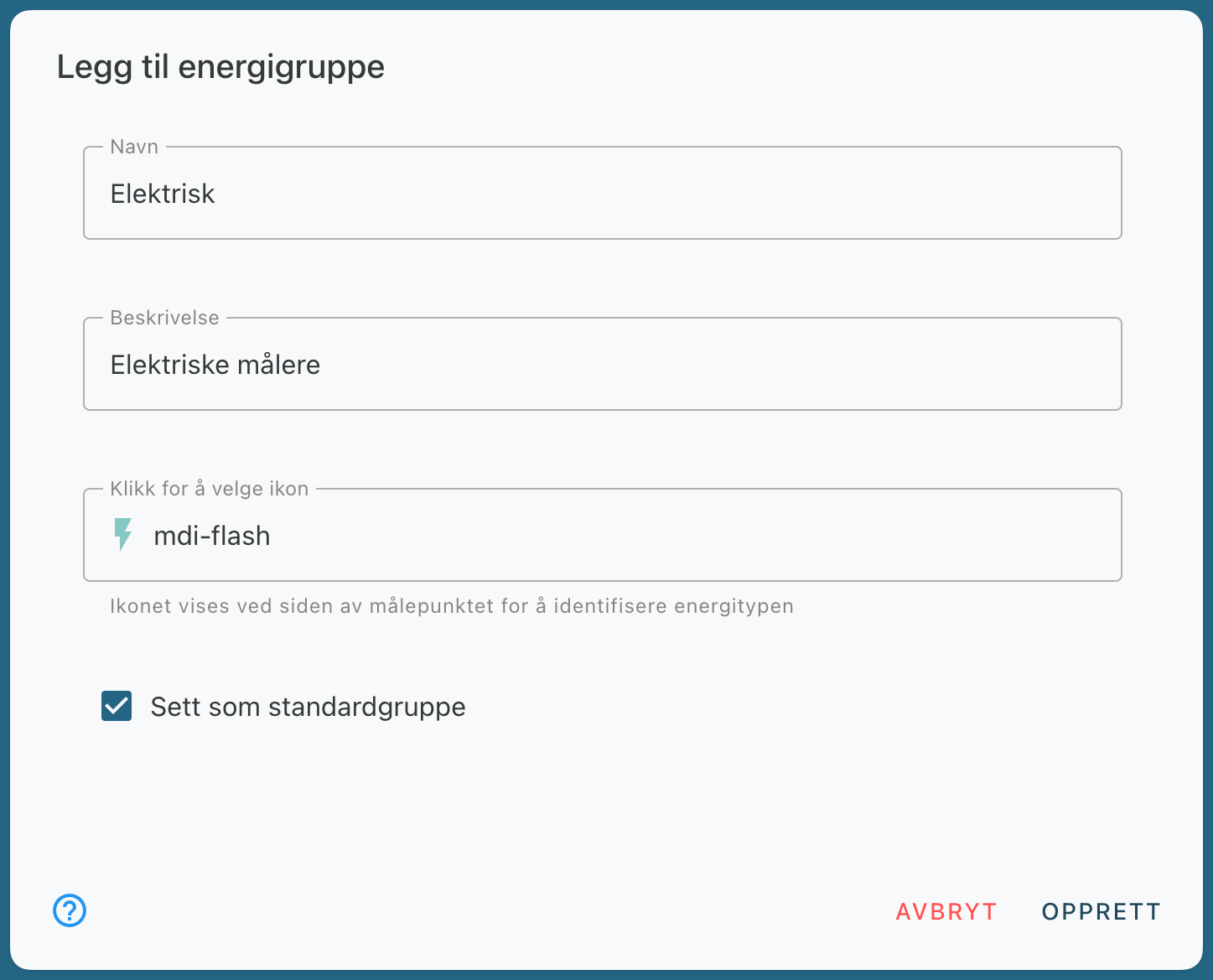
Enter a name for the group.
If desired, enter a description and select an icon.
Check the "Set as default group" box if you want this group to be selected by default in Energy Monitoring.
Save the group.
Next step
Once the energy group has been created, you can add a measurement point → in the group.
Still need help? Ask the team