Attendance Report
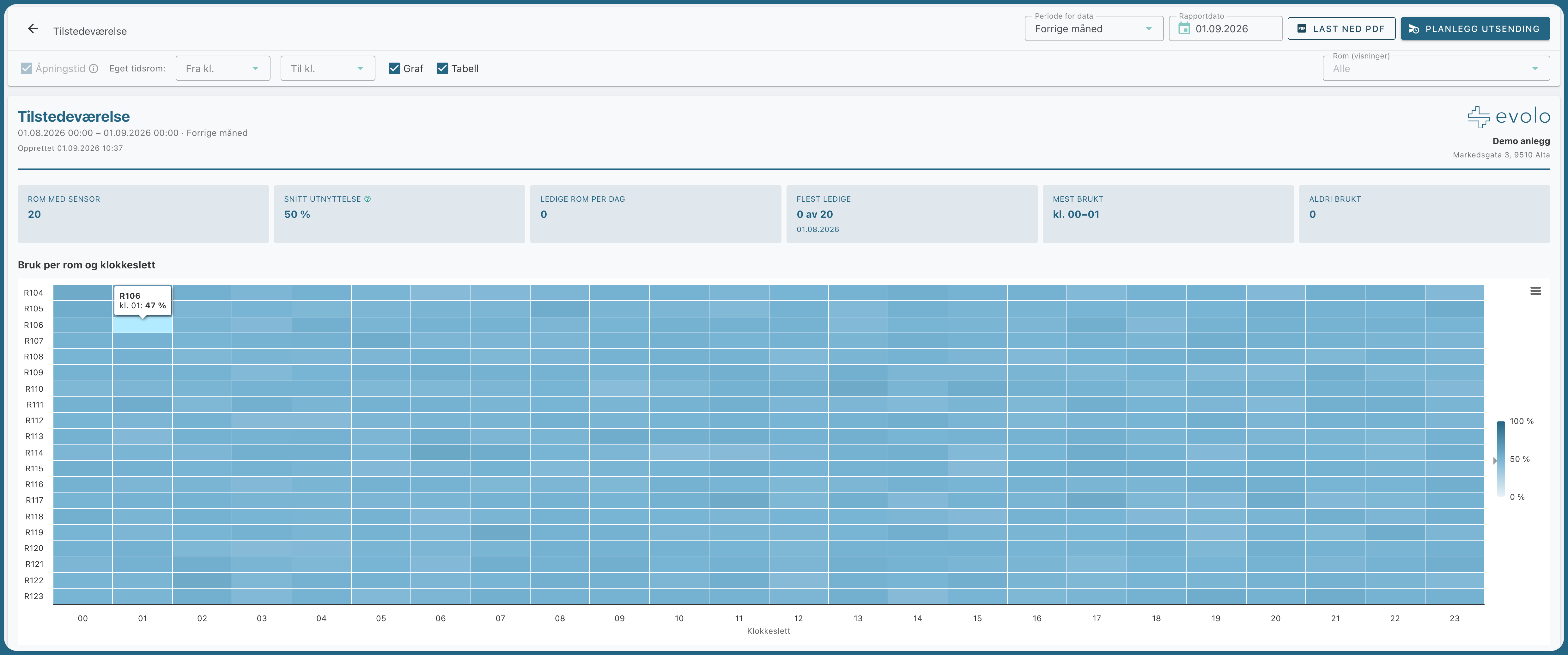
The occupancy report shows how much the rooms are used: utilization per room, available offices per day, and usage by the hour.
Written By Evolo Support
Last updated About 1 month ago
Settings
You can change these settings:
Opening hours or custom time range (From and To): Calculate only during operating hours.
Graph and Table: Display a graph, a detailed table below, or both.
The rooms are automatically retrieved from the presence target type on the components.
Prerequisite: The measurement type must be set on the components. Set the goal type in the view builder.
How to open, download, and You can find the planning report here.
Still need help? Ask the team