Set a default view
Here's how to choose which view opens by default when you enter a building
Written By Evolo Support
Last updated 17 days ago
Here's how to do it
Go to Configuration and select Views.
Find the view you want to use as the default.
Open the view options and select Edit.
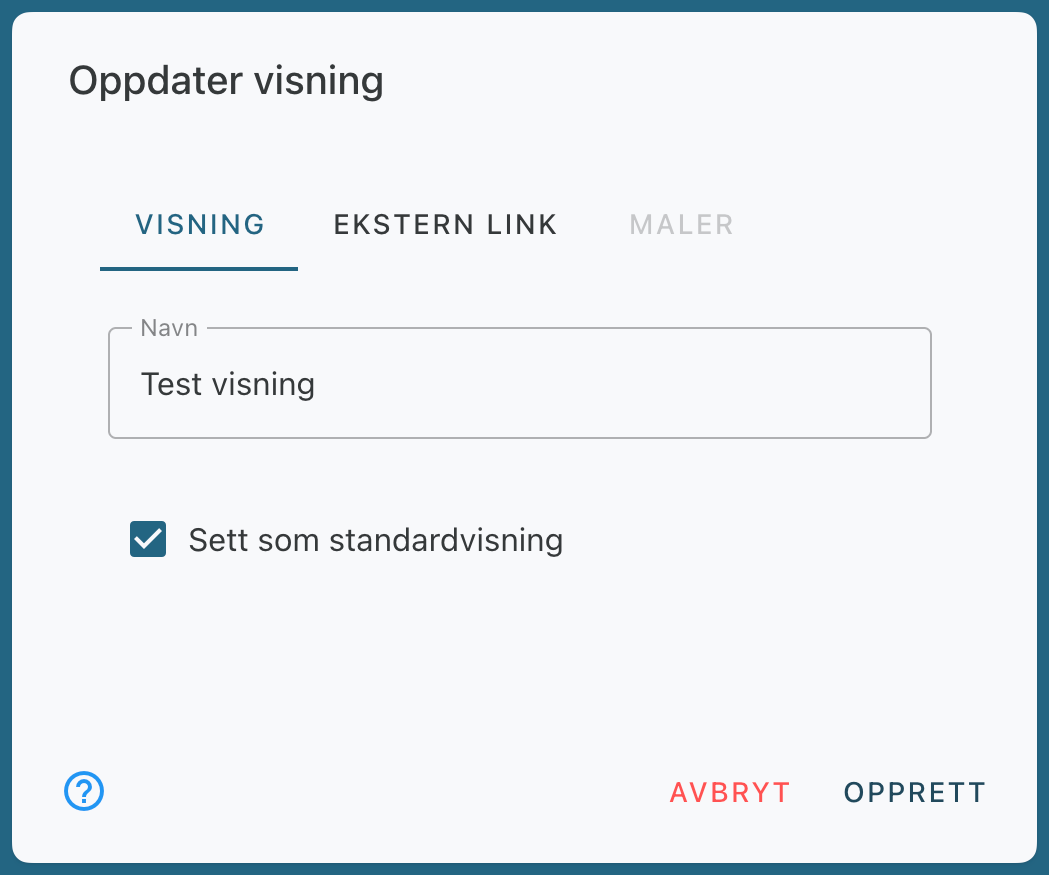
Check the box next to “Set as default view.”
Click Update to save.