News from Evolo, December 2023
What's New in Evolo: System Topology and Integration with the Outlook Calendar 🗓
Written By Evolo Support
Last updated 17 days ago
Here is some information about our latest updates to the Top System.
We have received several requests for an automatically generated facility topology and integration with Outlook calendars to enable smoother synchronization with meeting room bookings and similar tasks. You can
now use these features in Evolo.
New Module: Automatic Facility Topology
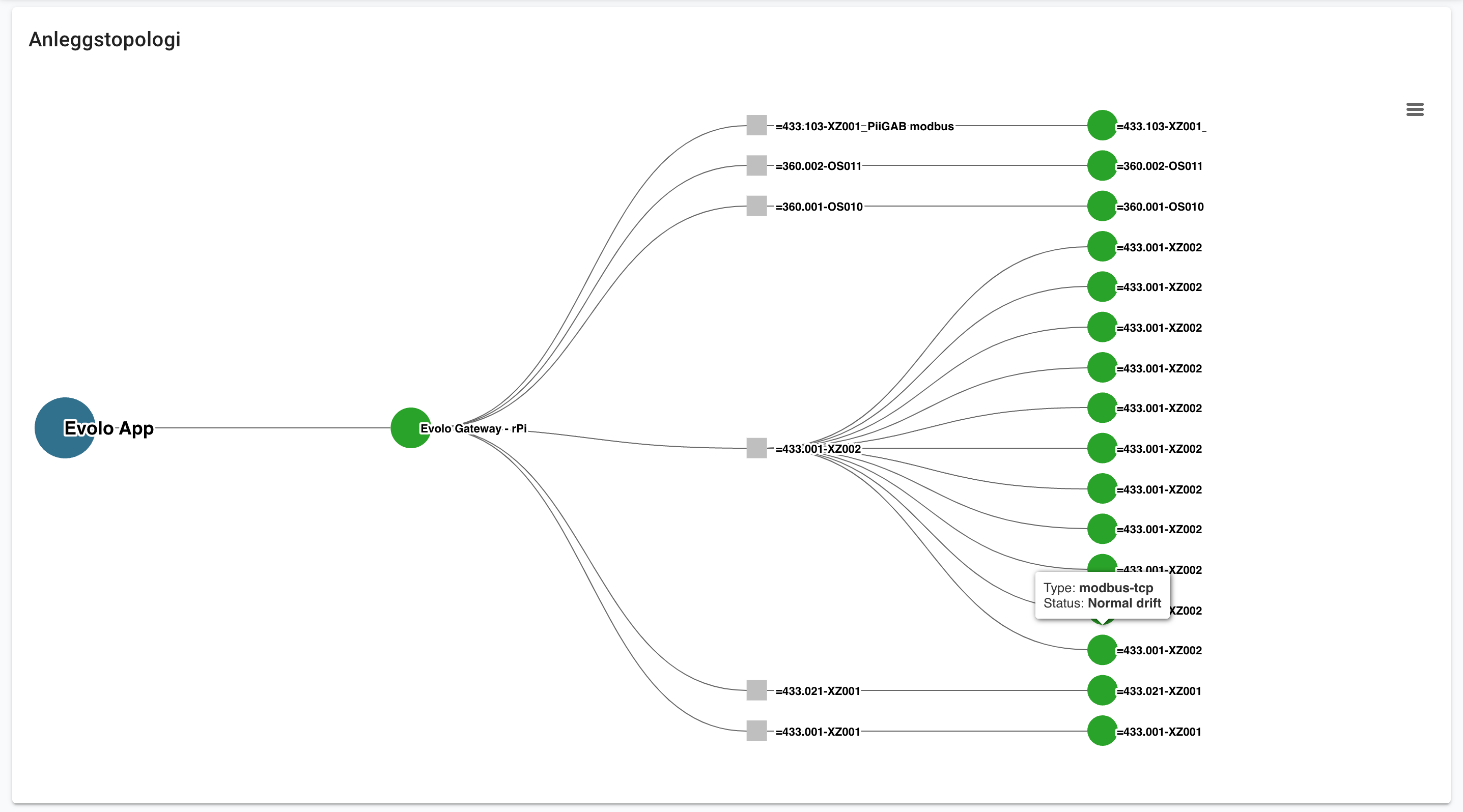
In the menu, you’ll see a new item: Topology.

This module provides a comprehensive overview of the facility’s topology, including a detailed visualization of the connections between devices and interfaces.
It also provides up-to-date information on the communication status, displaying green for normal operation and red for any communication issues.
New integration: Outlook Calendar

Finally, we’d like to invite you to test the integration with Outlook calendars. Contact us, and we’ll help you with the setup. Evolo synchronizes events from your shared Outlook calendars and can control the facility based on these events. For example, it can turn on ventilation in a meeting room for scheduled meetings outside of the building’s regular office hours.
Click here to read more about this in our knowledge base
New Integration: Airthings

Do you have any Airthings devices you’d like to integrate with Evolo?
You can import data such as temperature, radon, CO2, humidity, or noise directly from the Airthings Dashboard. Read more in our knowledge base or contact us, and we’ll help you get started.
For Installers
View Builder: You can now move selected elements using the arrow keys. You can also double-click to open the edit menu.
View Builder: You can now select a custom background color for views under Settings.
View Builder: You can now select the text size for all components.
Push Button: You can now create more advanced push buttons for blind control, displaying position, height, and slat information. You’ll find a new view example in the Views menu -> Add from Example -> Sun Shading.