Set up data point forwarding
The application is used to pass values between data points, including between different automation protocols.
Written By Evolo Support
Last updated About 2 months ago
Here's how to do it
Go to Settings and select Apps.
Click Add Application.
Enter a name, a description if desired, and select a gateway.
Add the data point pairs to be forwarded.
Select the data point to read from and the data point to write to.
Click Create.
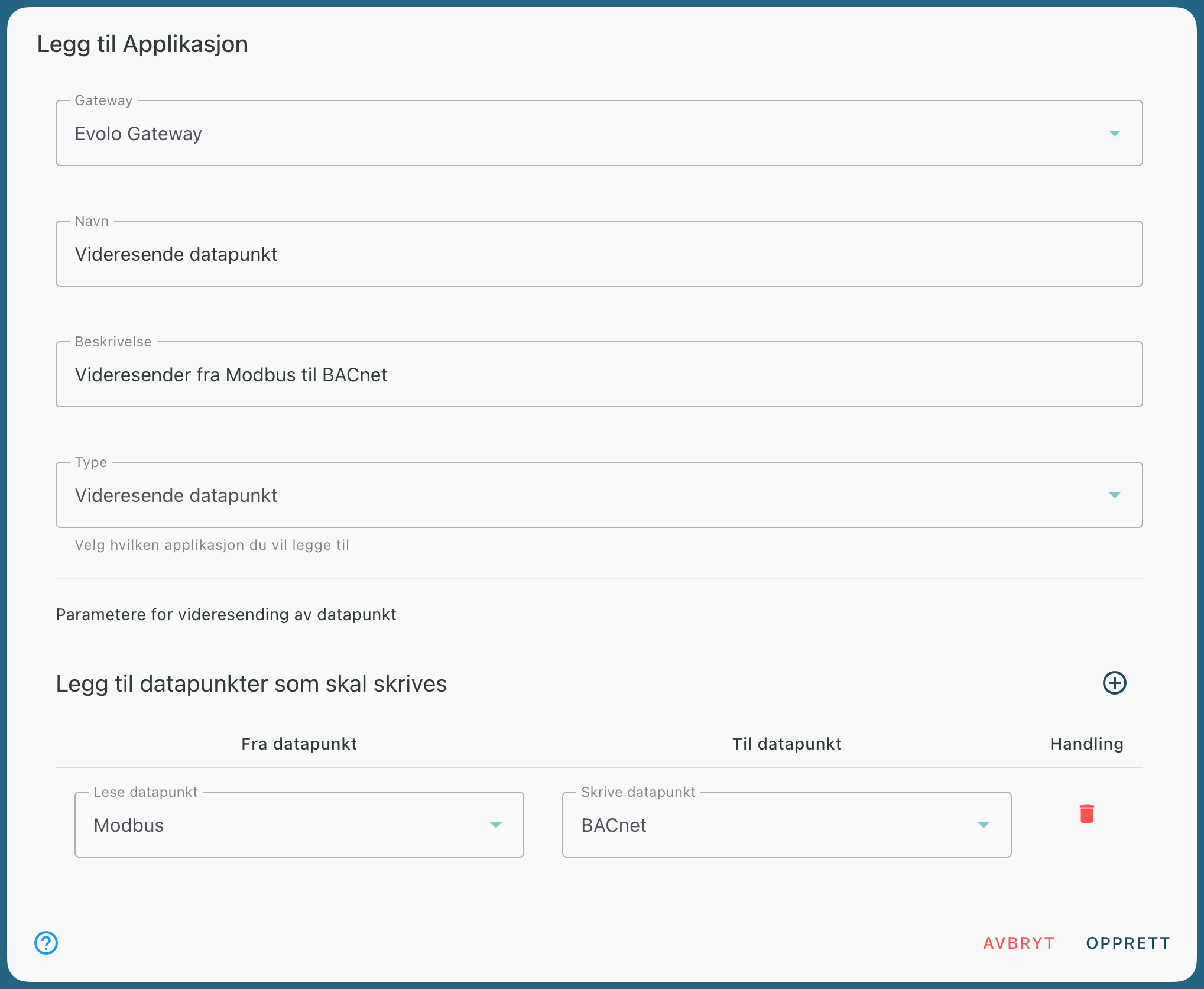
For example, you can forward a Modbus data point to a BACnet data point. When the gateway receives data at the read point, the value is forwarded to the write point.
Still need help? Ask the team