Unit
How to add devices
Written By Evolo Support
Last updated 4 months ago
- Go to Configuration → Devices
- Click Add Device
- Select which gateway it should communicate with in the building and enter the device’s name and IP address.
- Add a description, the device type, and the model name if you wish.
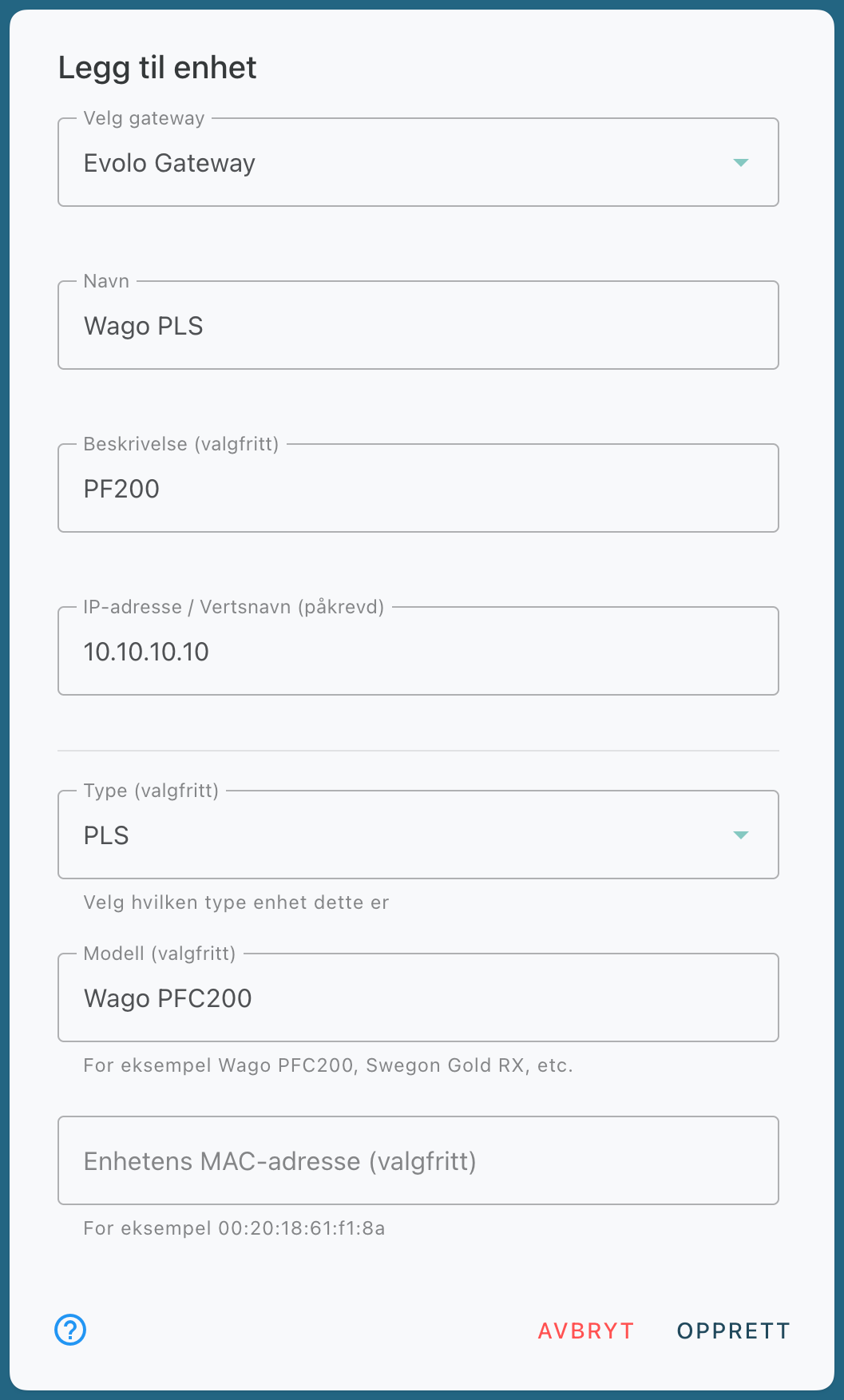
4. Once the device has been added, you can continue to adding an interface
Example
If you are using MQTT, enter the MQTT broker’s hostname/IP address.
If you are using KNX, enter the KNX Gateway’s hostname/IP address.