Create a recurring event
Here's how to create a recurring event in your calendar.
Written By Evolo Support
Last updated 2 months ago
Here's how to do it
Create a new event in your calendar.
Enter the name, time, and any other information you need.
Enable recurrence for the event.
Choose how often the event should repeat.
Specify when the recurrence should stop, if applicable.
Save the event.
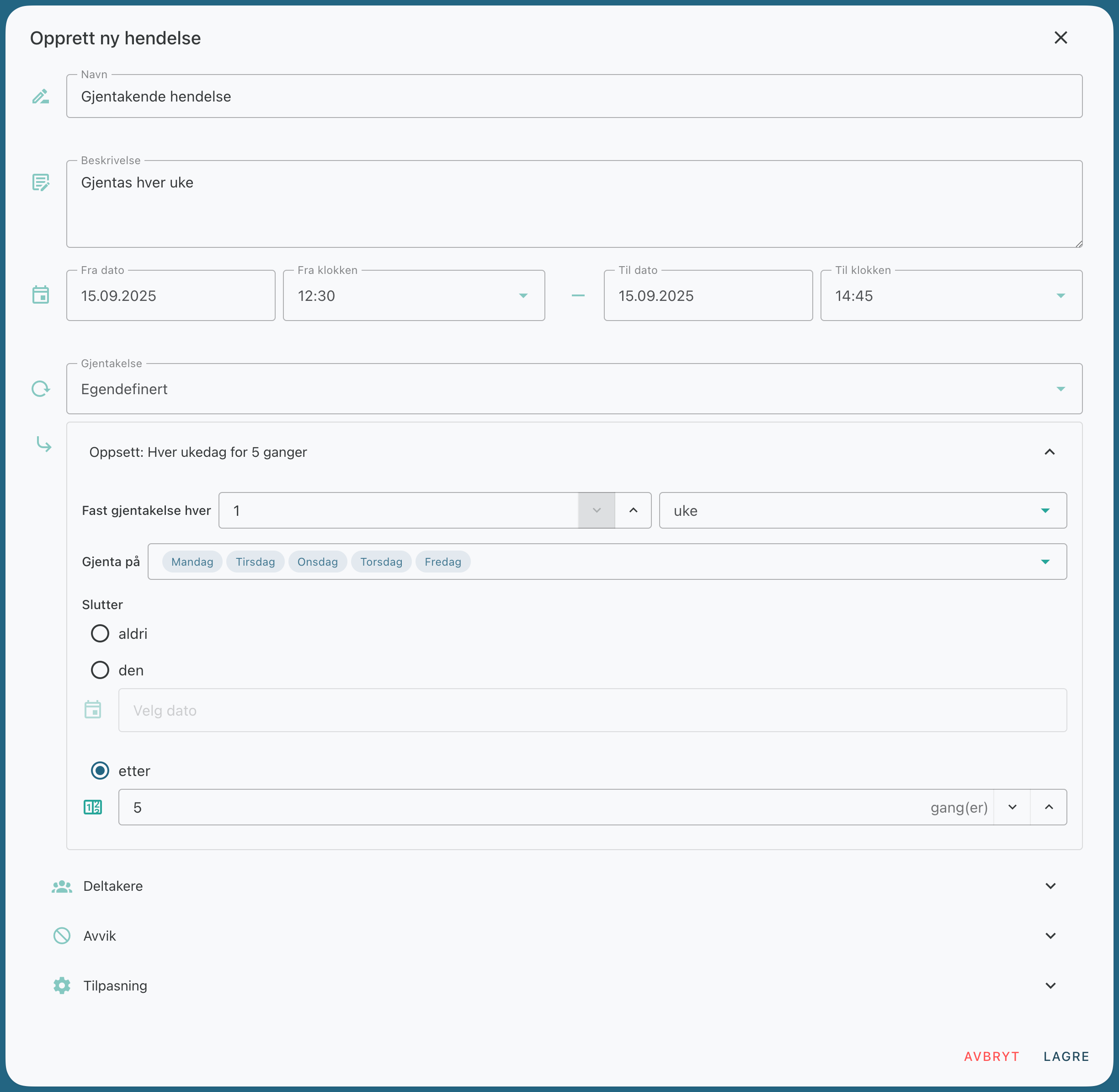
Choose how often the event should repeat, such as daily, weekly, or according to another fixed pattern.
Use recurring events when the same activity is scheduled to take place regularly, such as every day or every week. This makes the calendar easier to set up and maintain.
Was this helpful?
Still need help? Ask the team