View reports for your building
View an overview of the reports generated for the selected building in Evolo.
Written By Evolo Support
Last updated 8 days ago
Here's how to do it
Go to Reporting.
Find the list of reports for the facility.
Click the report name or icon to open the report.
The report opens in a new tab in your browser.
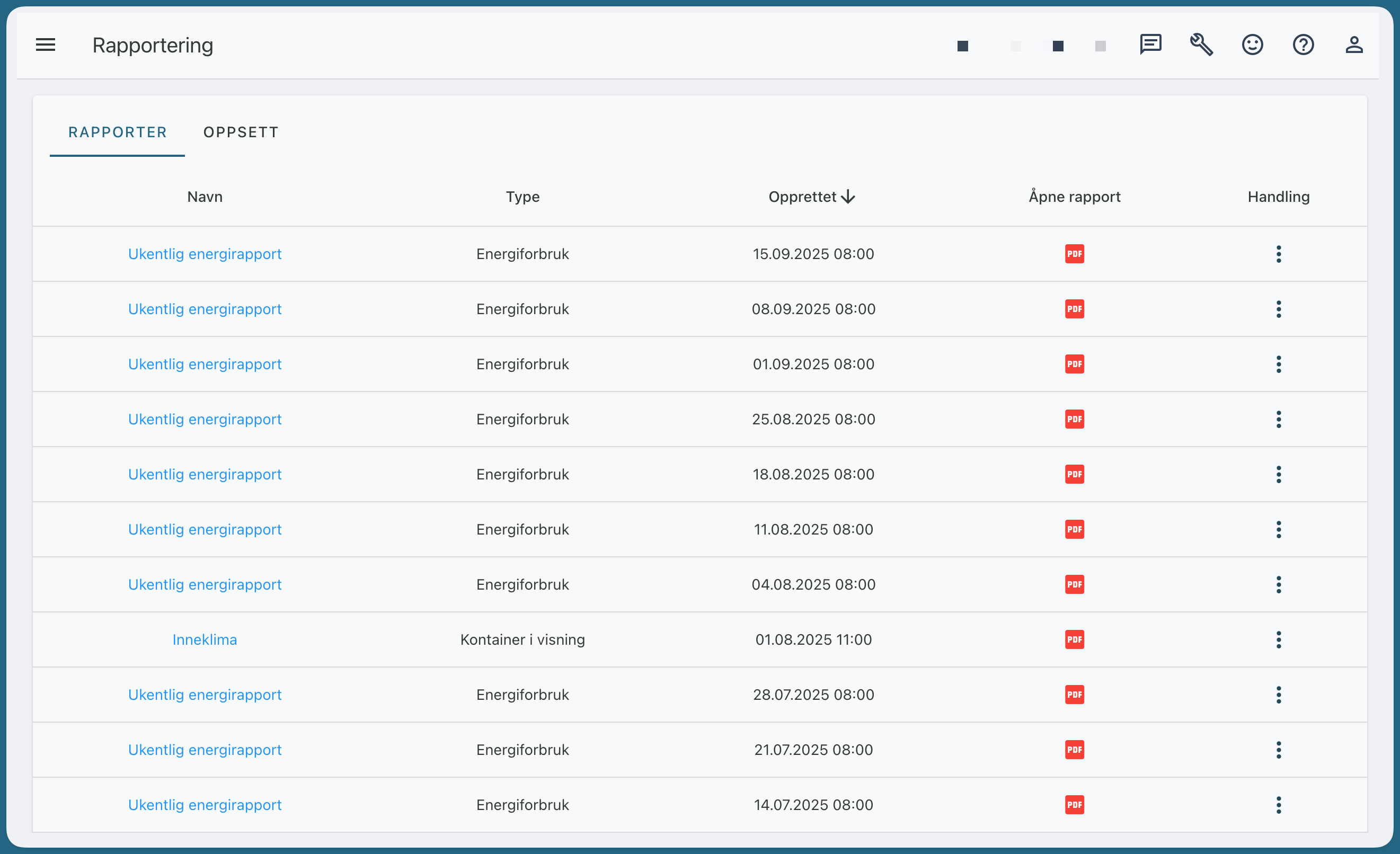
The report overview shows reports that have already been generated for the selected building.