Schedule Energy Reports
Set up energy reports to be sent automatically on a daily, weekly, monthly, or annual basis. You can also have the report generated without sending it via email.
Written By Evolo Support
Last updated 8 days ago
How to Plan an Energy Report
Go to Reporting and click Plan New Report.
Enter a name for the report.
Select the reporting period.
Select the type of energy consumption.
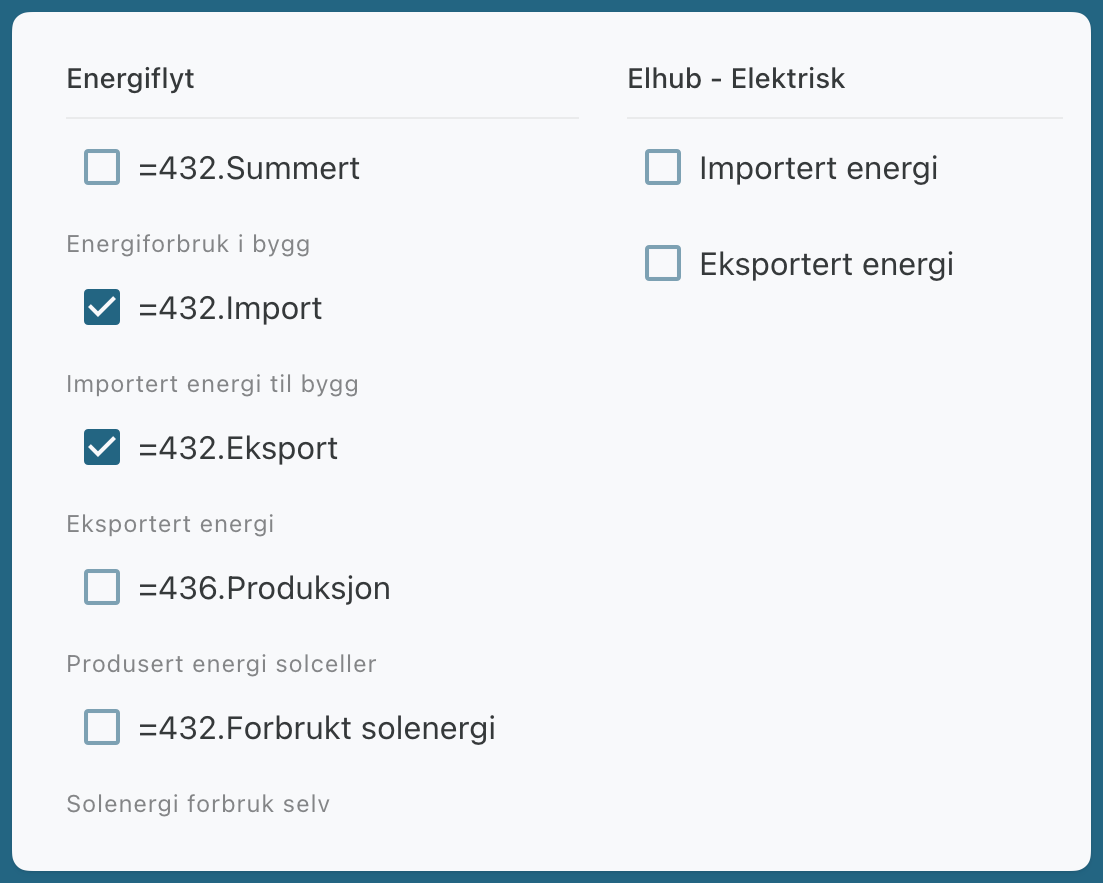
Select the energy meters you want to include in the report.
Customize the report
You can choose how the report is displayed:
Show graph
Includes a graph in the report so you can see how energy consumption has changed over time.Show table
Includes a table with the meter readings for the period.Data resolution
Determines the level of detail in the report, such as by the hour, day, week, or month.
Configure Sending
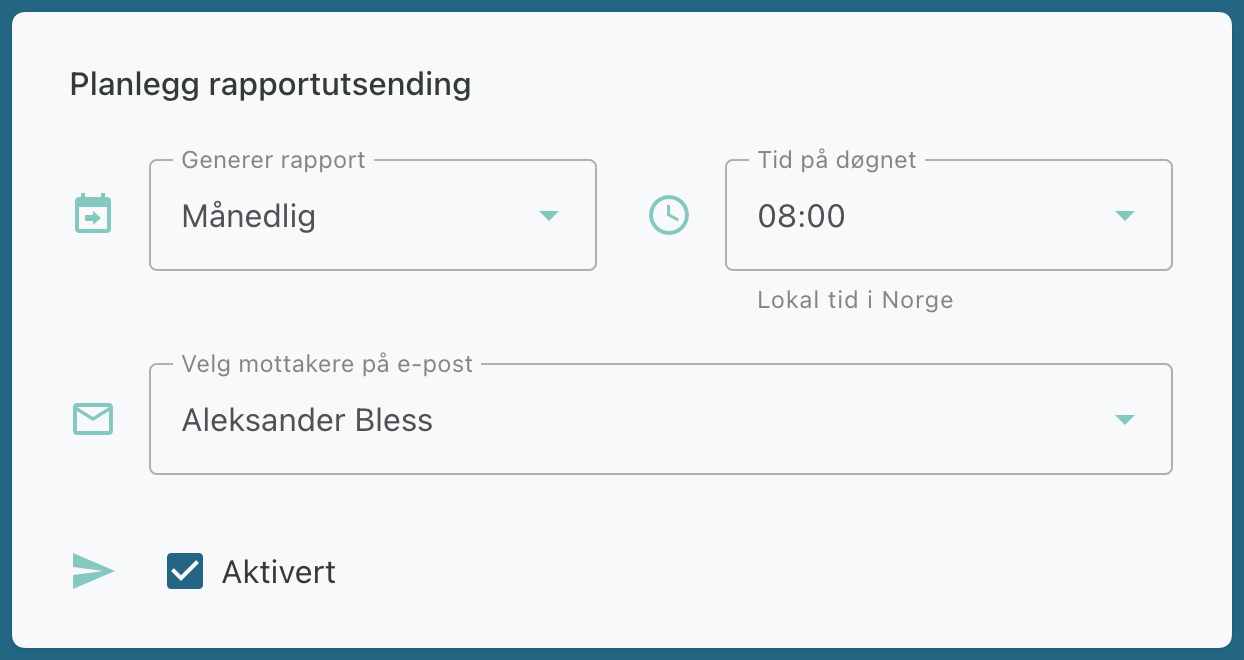
Select how often the report should be generated.
Add recipients if the report is to be sent by email.
Leave the recipient field blank if the report is to be generated and made available only in the overview.
Preview and create the report
Click Generate Now to view a preview.
Click Create to activate the report.
The report can be created even if you don’t add recipients. In that case, it won’t be sent by email, but it will still appear in the report overview.