News from Evolo, May 2023
What's New in Evolo: Improvements to Symbols in the View Builder 🎉
Written By Evolo Support
Last updated 17 days ago
Improvements to Symbols in Your View Builder
We’ve listened to your feedback about improving the design of all figures and HVAC symbols in the Visual Builder. They’ve been given a completely new design with brighter colors.
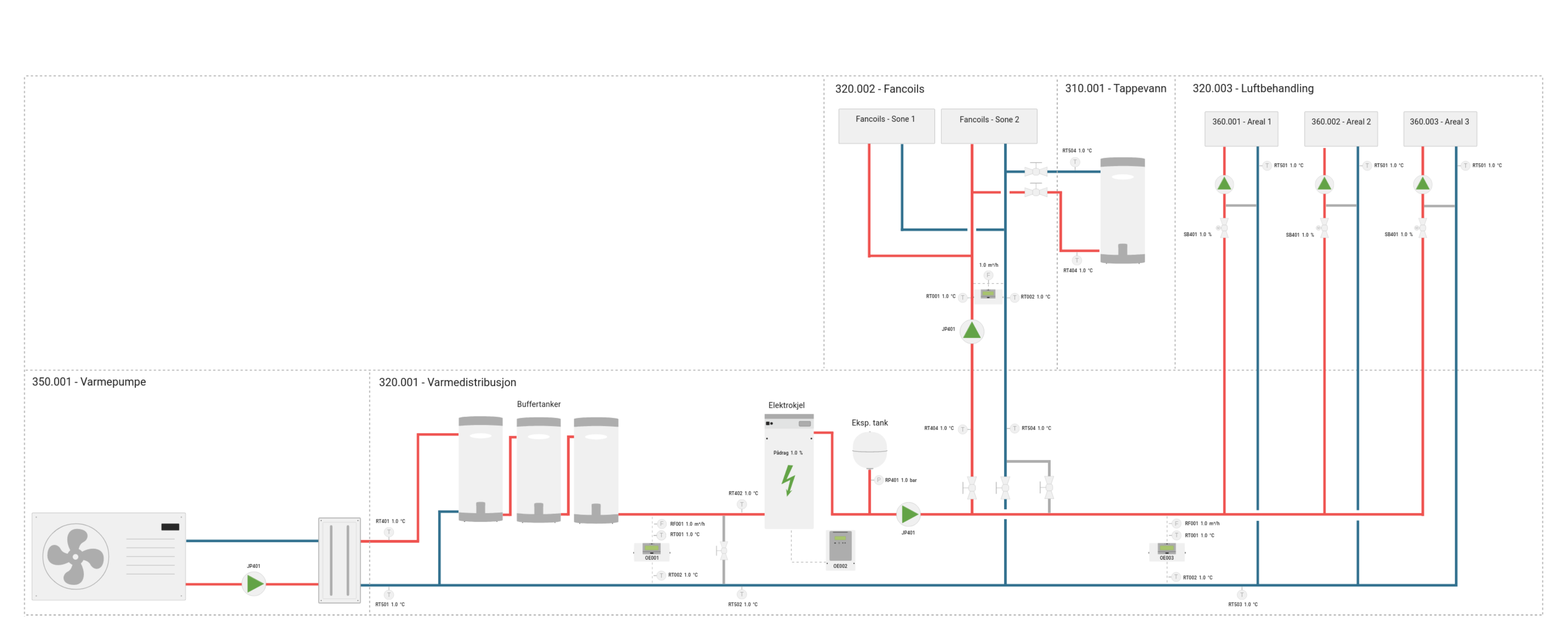
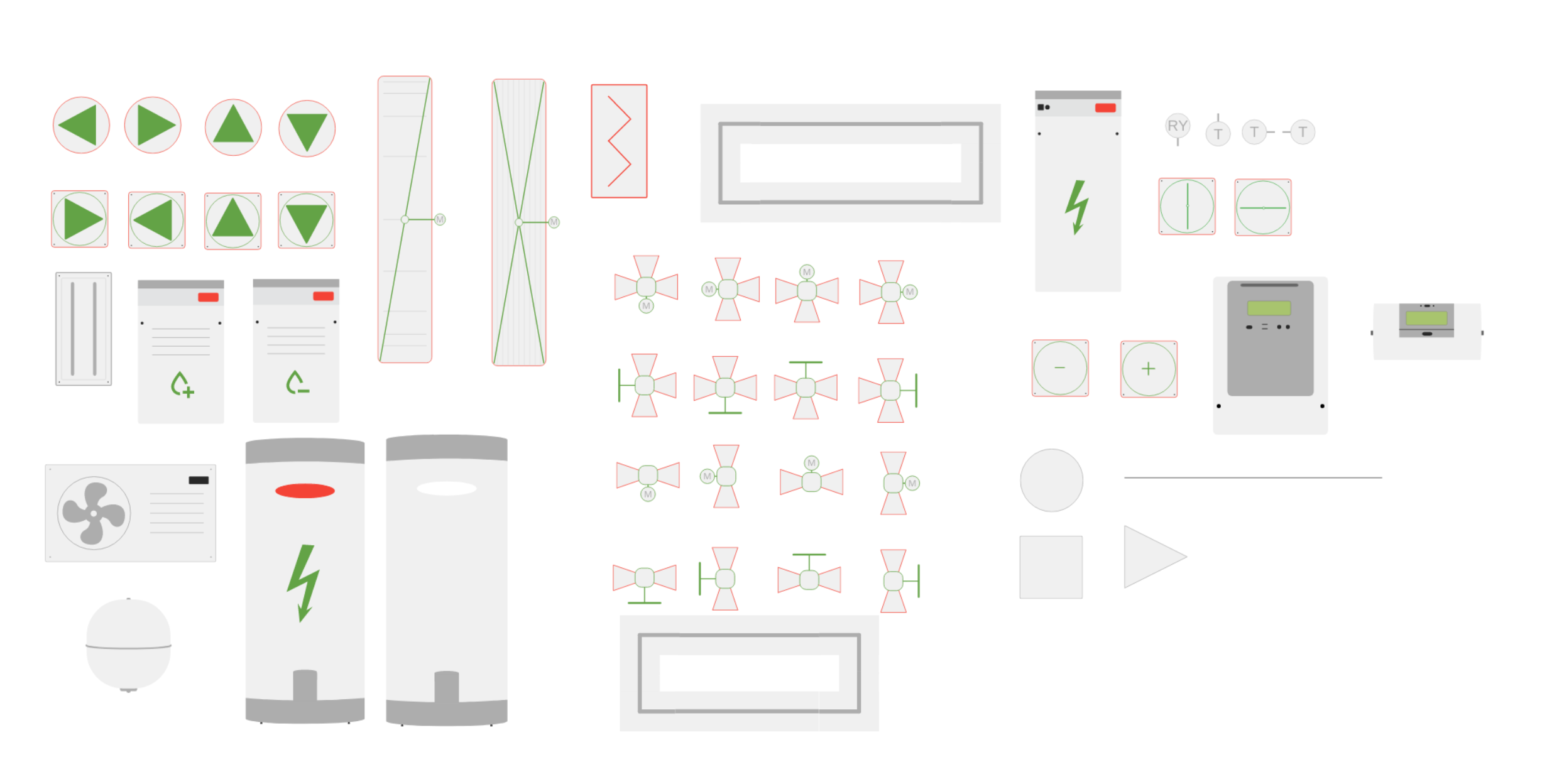
Several new symbols have also been introduced to give you even more options for visualizing your automation solution.
Energy Meter
Water Energy Meter
Fan
Heat Exchanger
Humidifier
Dehumidifier
Heat pump
Water Heater
Water tank
Expansion tank
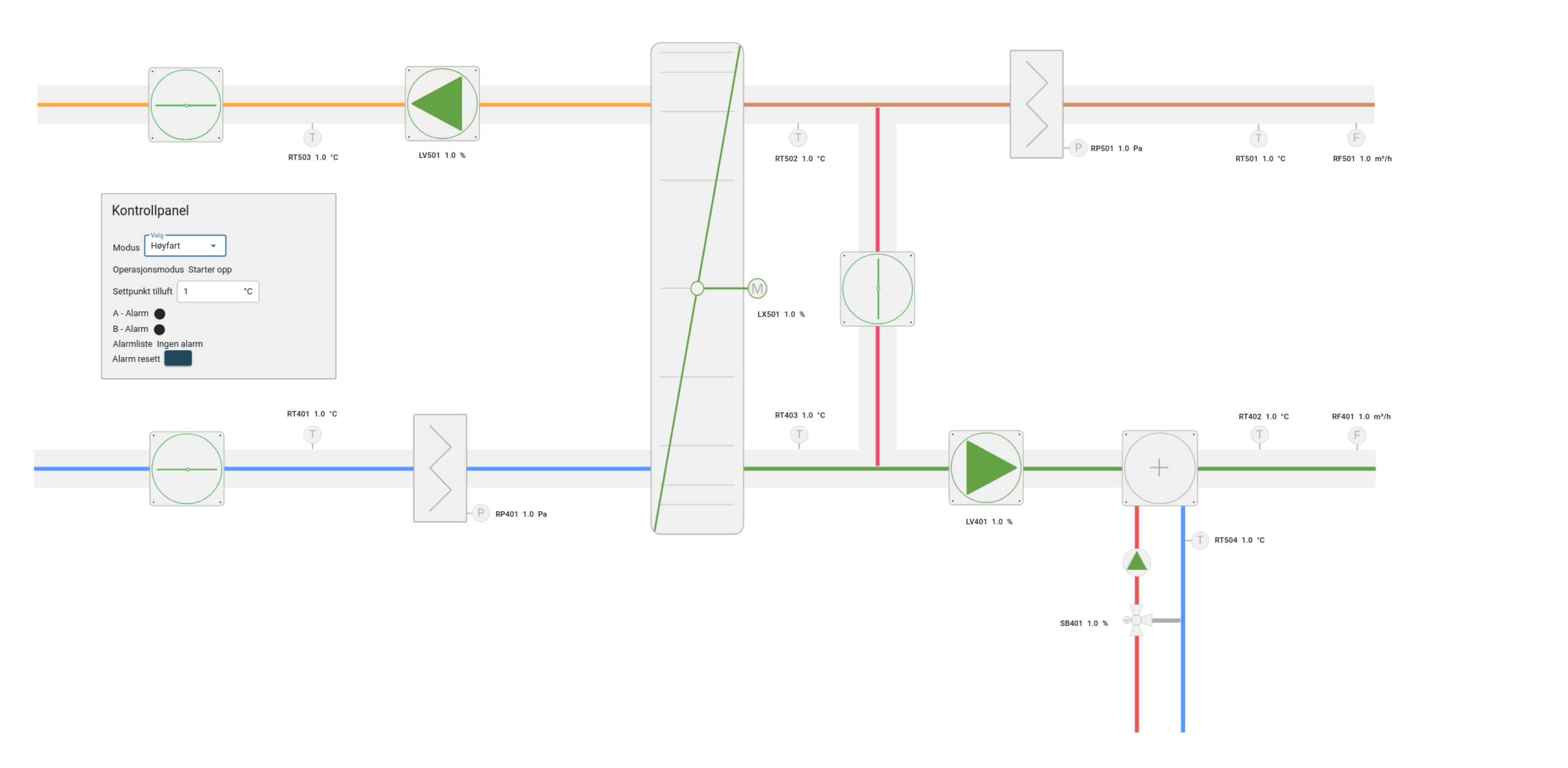
You can still find the outdated symbols in the side menu of the view builder. You can continue to use these, but we recommend replacing them for an improved view.
General improvements to views
Timestamp: It is now possible to define the format of the displayed date.
Link: You can now change the text size for links.
Tabs in the side menu box: Drag and drop the tabs to reorder them in the side menu.
New menu bar for containers: When editing a room/box, right-click -> Components to reorder components, or drag and drop new ones from the sidebar.
Pipes: You can now change all the colors of a pipe.
Sensors: You can now choose the text that appears in sensors.